
From the contributor
How to use this sample
Summary
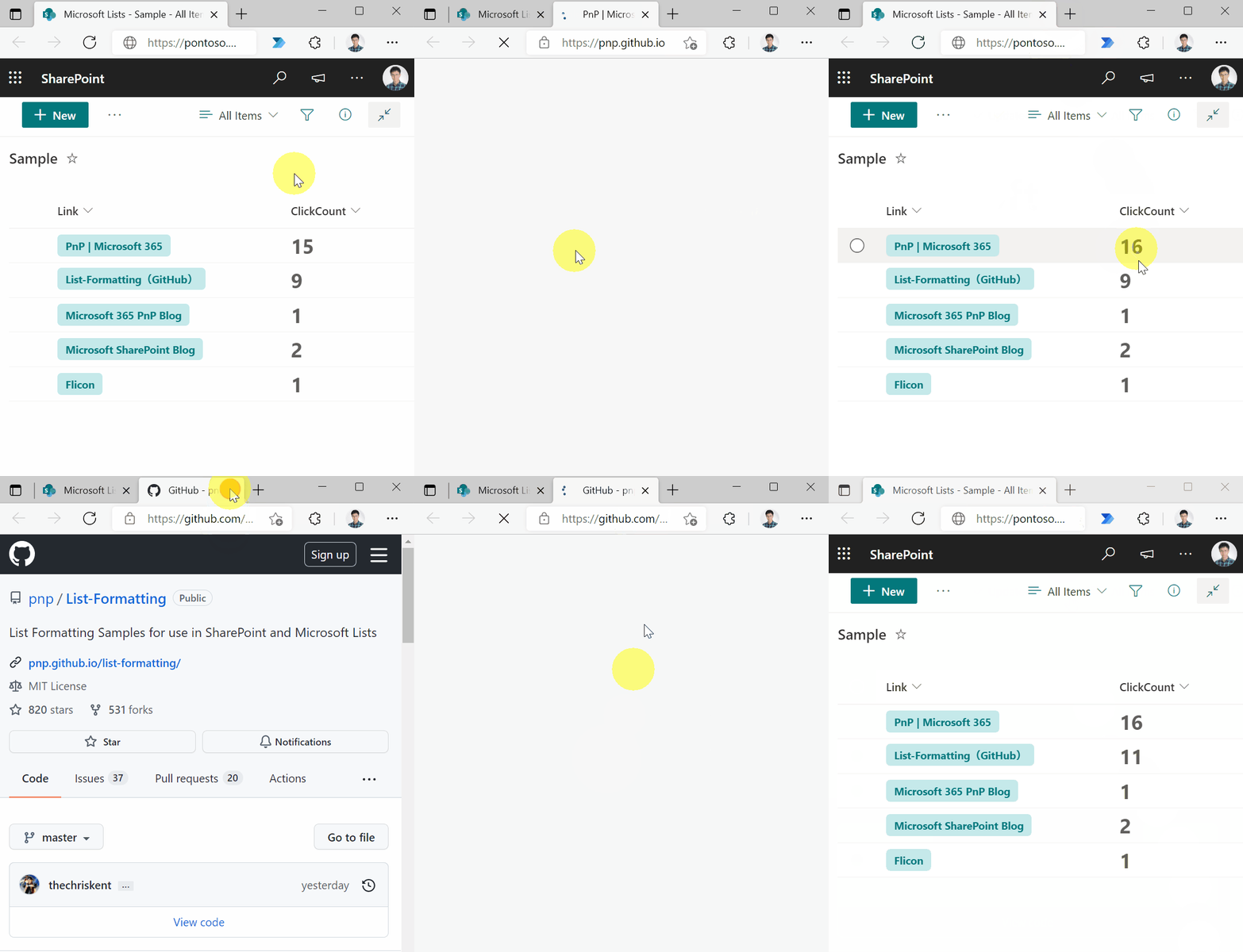
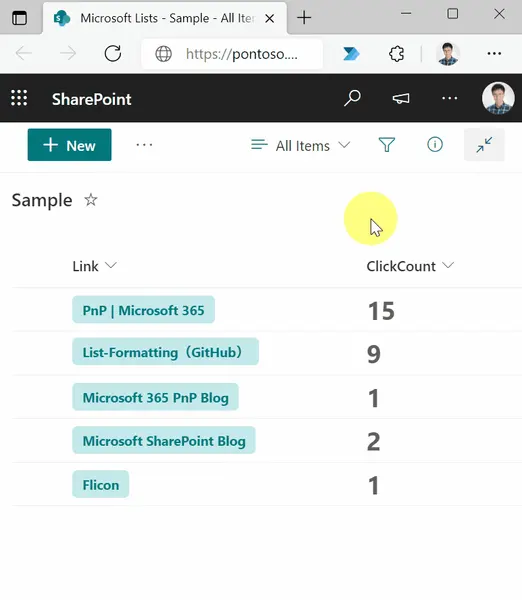
This sample demonstrates counting the number of clicks on a link. By keeping track of the number of link clicks, you can figure out which links are popular with users.
View requirements
| Type | Internal Name | Required |
|---|---|---|
| Hyperlink | Link | Yes |
| Number | ClickCount | No |
Sample
| Solution | Author(s) |
|---|---|
| hyperlink-click-count.json | Tetsuya Kawahara |
Version history
| Version | Date | Comments |
|---|---|---|
| 1.0 | December 11, 2021 | Initial release |
Disclaimer
THIS CODE IS PROVIDED AS IS WITHOUT WARRANTY OF ANY KIND, EITHER EXPRESS OR IMPLIED, INCLUDING ANY IMPLIED WARRANTIES OF FITNESS FOR A PARTICULAR PURPOSE, MERCHANTABILITY, OR NON-INFRINGEMENT.