
From the contributor
How to use this sample
Summary
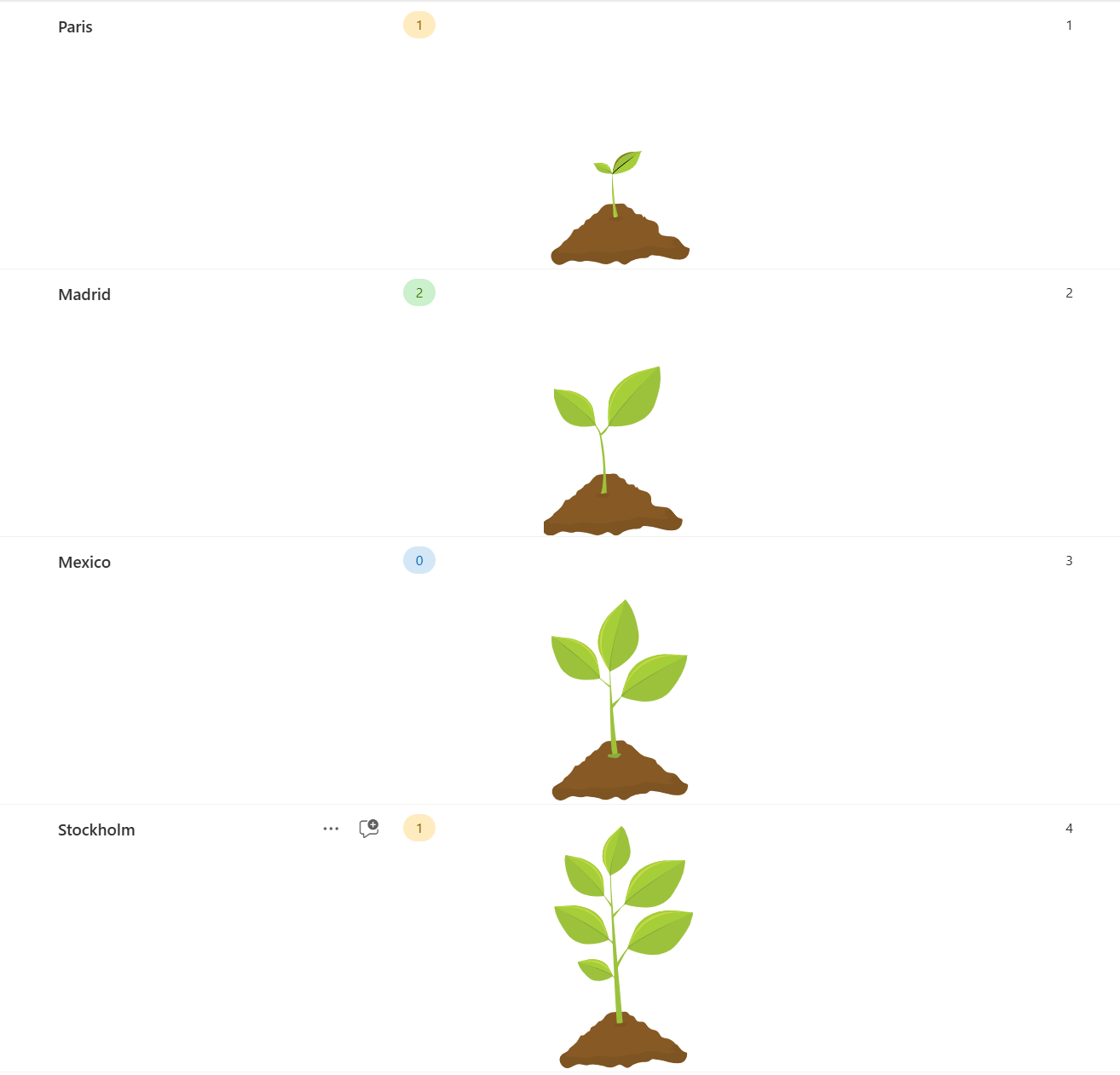
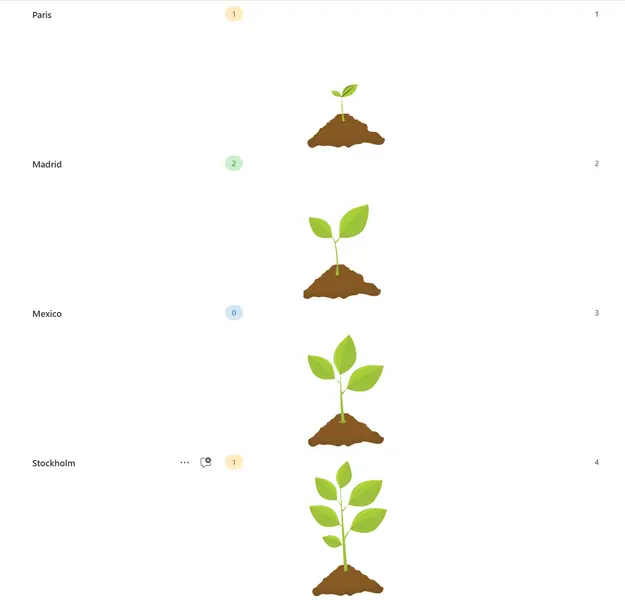
This formats applies different SVGs with multiple paths to a number field, depending on the value of the field. The field may contain the numbers 1, 2, 3, or 4.
This solution provides a visually appealing way to represent progress using custom SVG graphics. The formatting dynamically changes the displayed SVG based on the value in a "Progress" column.
Features
- Custom SVG graphics for different progress stages
- Dynamic display based on a "Progress" field value
- Supports up to 4 different progress stages
- Easily customizable SVG paths and colors
The sample includes conditional formatting that displays different SVGs based on the value in the "Progress" column:
| Value | Stage |
|---|---|
| Progress value 1 | Displays the first stage SVG |
| Progress value 2 | Displays the second stage SVG |
| Progress value 3 | Displays the third stage SVG |
| Progress value 4 | VDisplays the fourth stage SVG |
If the Progress field is empty or has any other value, no SVG will be displayed.
View requirements
- This format can be applied to a number column with values 1-4
Sample
| Solution | Author(s) |
|---|---|
| number-data-plant.json | Luise Freese |
Version history
| Version | Date | Comments |
|---|---|---|
| 1.0 | October 8, 2024 | Initial release |
Disclaimer
THIS CODE IS PROVIDED AS IS WITHOUT WARRANTY OF ANY KIND, EITHER EXPRESS OR IMPLIED, INCLUDING ANY IMPLIED WARRANTIES OF FITNESS FOR A PARTICULAR PURPOSE, MERCHANTABILITY, OR NON-INFRINGEMENT.