
Back to column formats
Column formattingSharePoint Online

Person Hover Card

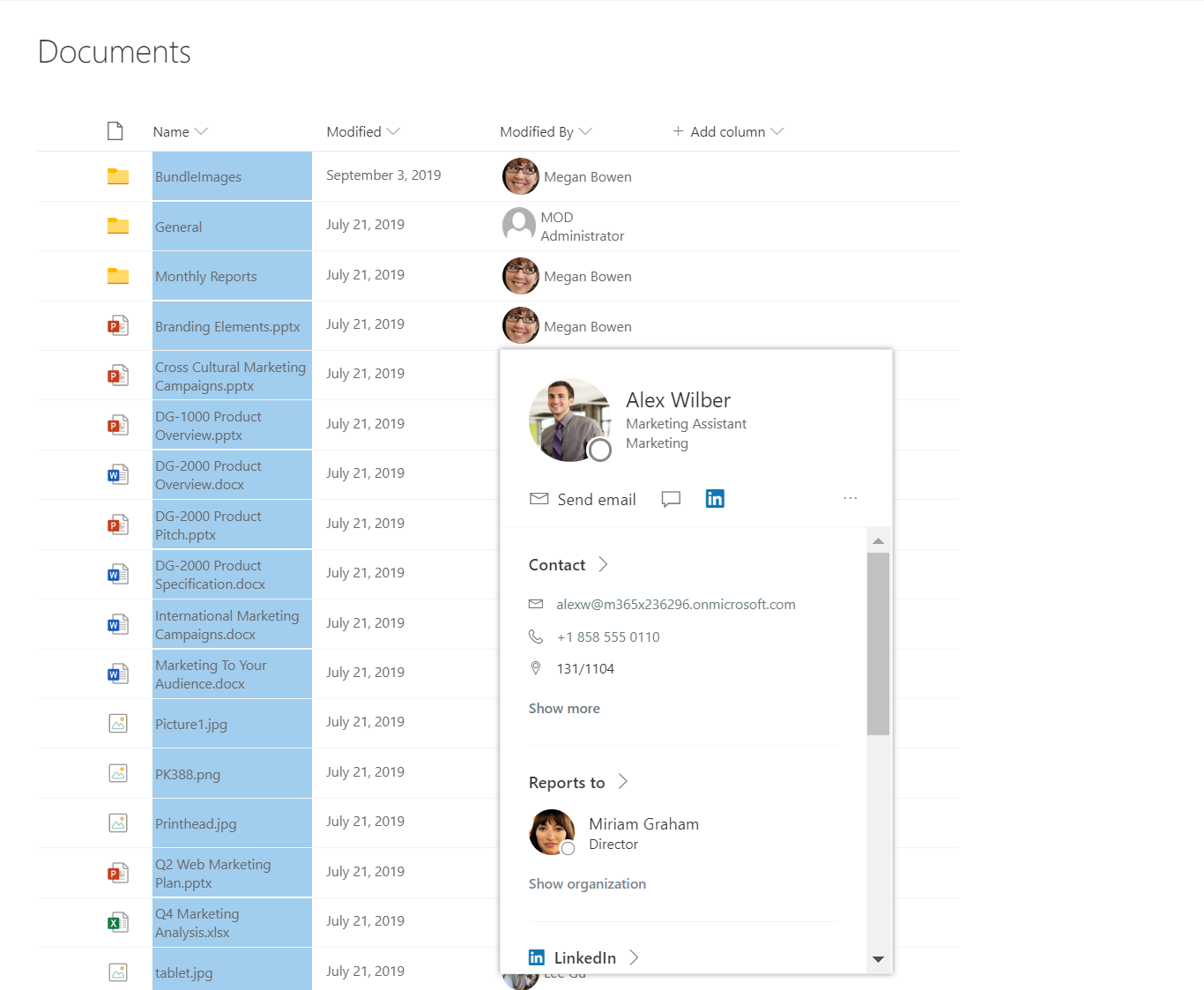
The following image shows a list with a default hover added to a formatted column in a list

Person Hover Card formatting preview
Sample preview · View original image

Copy. Apply. Make it yours.

Get this format

1 definition

Review the requirements below, then paste this JSON into the matching formatting panel. Show me where.

Use your list's internal column names and replace any tenant-specific URLs or flow IDs. Formatting is presentation, not a way to secure data.

Column formatting
Download JSON
{
  "$schema": "https://developer.microsoft.com/json-schemas/sp/v2/column-formatting.schema.json",
  "elmType": "div",
  "style": {
    "display": "=if(@currentField,'','none')"
  },
  "children": [
    {
      "elmType": "img",
      "style": {
        "width": "32px",
        "min-width": "32px",
        "height": "32px",
        "overflow": "hidden",
        "border-radius": "50%",
        "margin": "2px"
      },
      "attributes": {
        "src": "=getUserImage(@currentField.email,'s')",
        "title": "@currentField.title"
      }
    },
    {
      "elmType": "span",
      "style": {
        "vertical-align": "middle",
        "margin-left": "2px"
      },
      "txtContent": "@currentField.title"
    }
  ],
  "defaultHoverField": "@currentField"
}

From the contributor

How to use this sample

Summary

Demonstrates showing a default hover card for a person field.
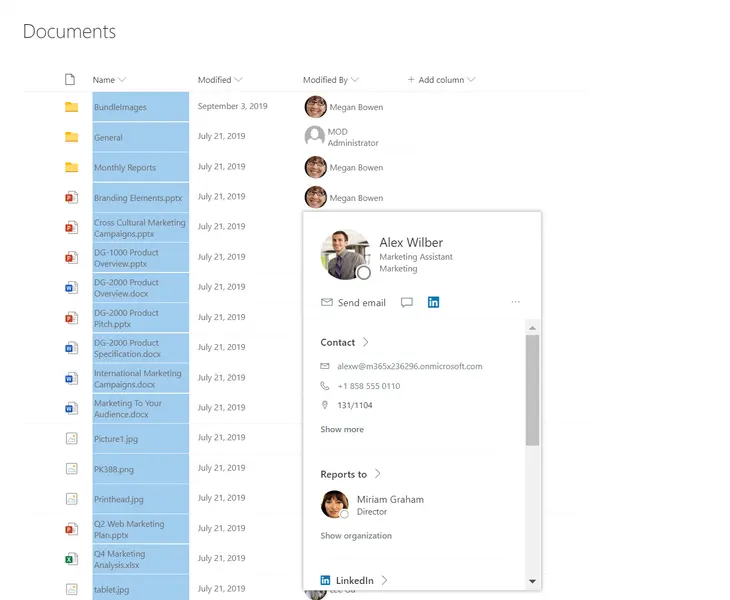
screenshot of the sample

View requirements

  • This format can be applied to a Person column

Sample

Solution Author(s)
person-hover-card.json Niket Jain

Version history

Version Date Comments
1.0 April 08, 2020 Initial release
1.1 October 02, 2023 Fixed to use @currentField from [$Editor] to make it available in any Person column.

Disclaimer

THIS CODE IS PROVIDED AS IS WITHOUT WARRANTY OF ANY KIND, EITHER EXPRESS OR IMPLIED, INCLUDING ANY IMPLIED WARRANTIES OF FITNESS FOR A PARTICULAR PURPOSE, MERCHANTABILITY, OR NON-INFRINGEMENT.


Additional notes

  • None