
From the contributor
How to use this sample
Summary
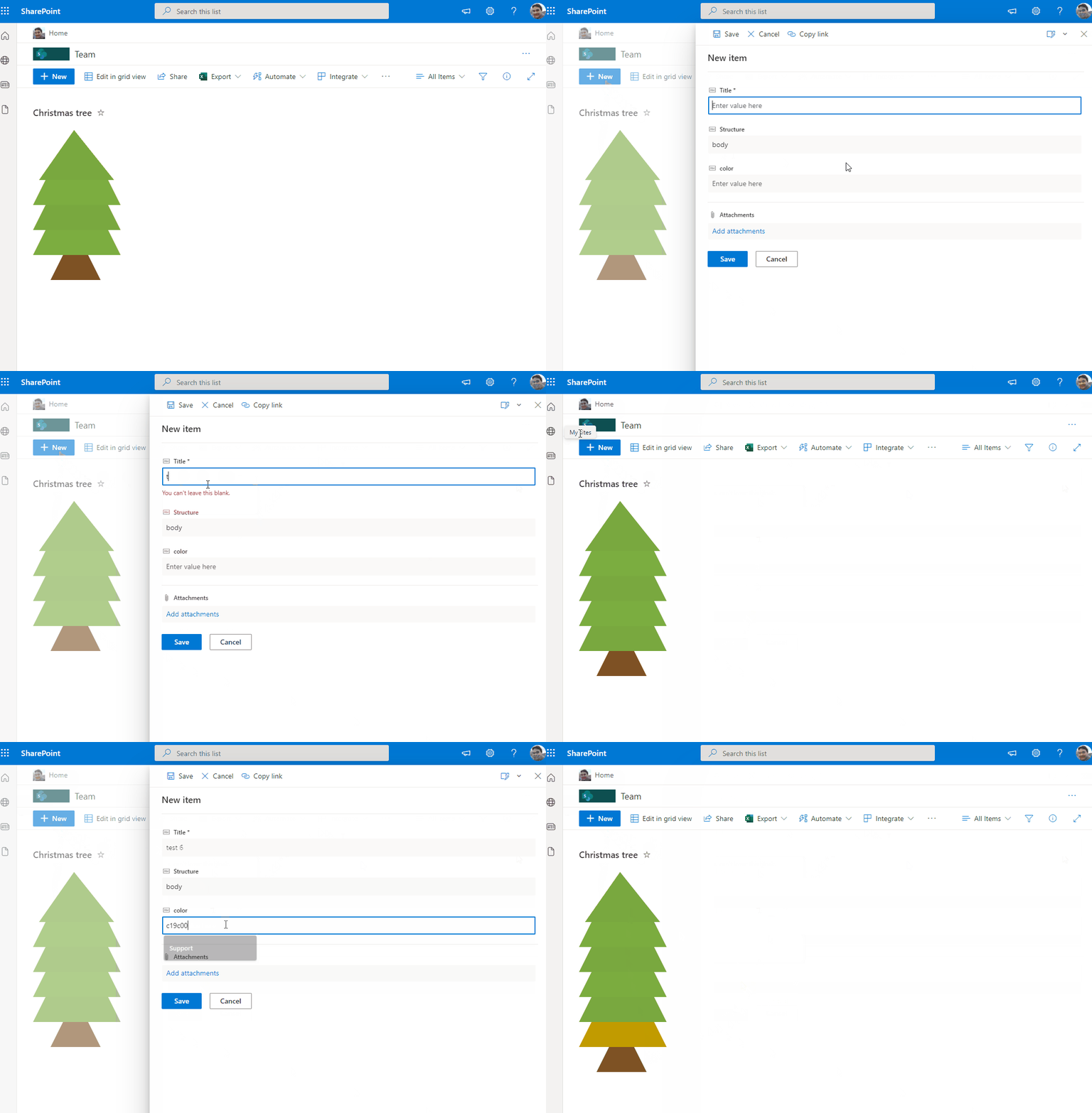
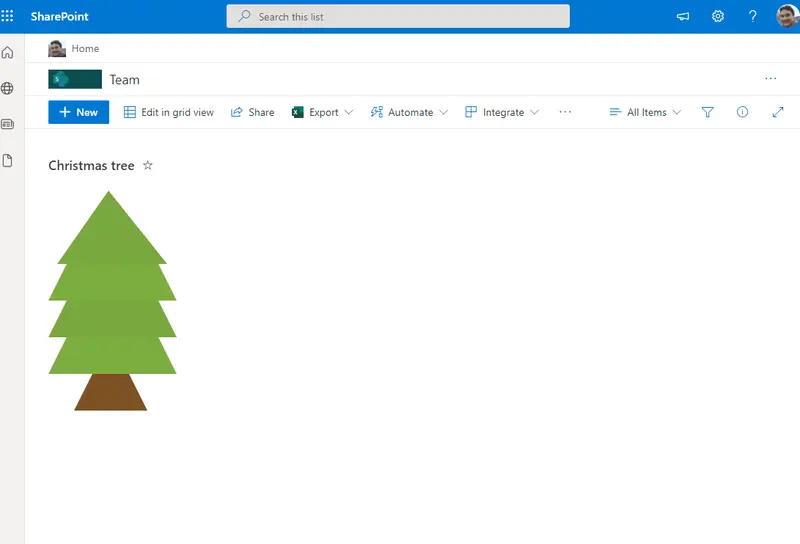
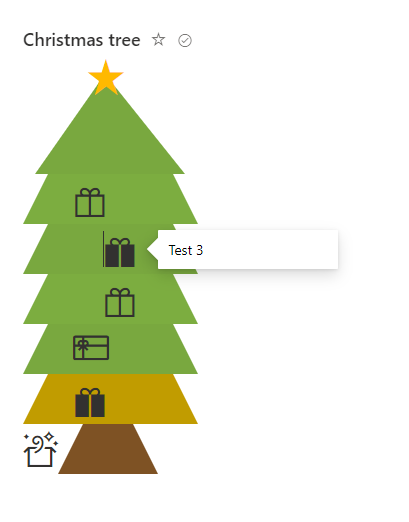
This sample draws a tree across rows in 3 different stages "alt" as top, "body" as tree and "wood" as bottom. You can also include icons in the tree. The Title field will appear as a tooltip on the icons.
Christmas Tree with Presents
View requirements
- The format expect the following fields:
| Field | Type |
|---|---|
| Title | Single line of text |
| Structure | Single line of text - The tree is composed by the following structure: "alt" - Header of Tree (Triangle), "body" - body of tree (Trapezoid) and "wood" - Base of Tree (Smaller Trapezoid) |
| color | Single line of text - (recommended colors for the tree 79a83f, 7cad40, c19c00. For the base of tree recommend color 7e5224). PS: no need to include # |
| Gift | Single line of text - icons of gifts (samples GiftboxOpen, GiftCard, Giftbox, GiftBoxSolid and FavoriteStarFill for top of tree, ) |
| GiftSide | Single line of text - options "Left" or "Right" |
Edit View requirements
- Edit View where format will be included, access to "Sort" Area and select column "Structure" and check as ascending order, this option order tree correctly from top to bottom event when included new levels in the tree.
Sample
| Solution | Author(s) |
|---|---|
| christmas-tree.json | André Lage |
Version history
| Version | Date | Comments |
|---|---|---|
| 1.0 | December 09, 2021 | Initial release |
Disclaimer
THIS CODE IS PROVIDED AS IS WITHOUT WARRANTY OF ANY KIND, EITHER EXPRESS OR IMPLIED, INCLUDING ANY IMPLIED WARRANTIES OF FITNESS FOR A PARTICULAR PURPOSE, MERCHANTABILITY, OR NON-INFRINGEMENT.