
From the contributor
How to use this sample
Summary
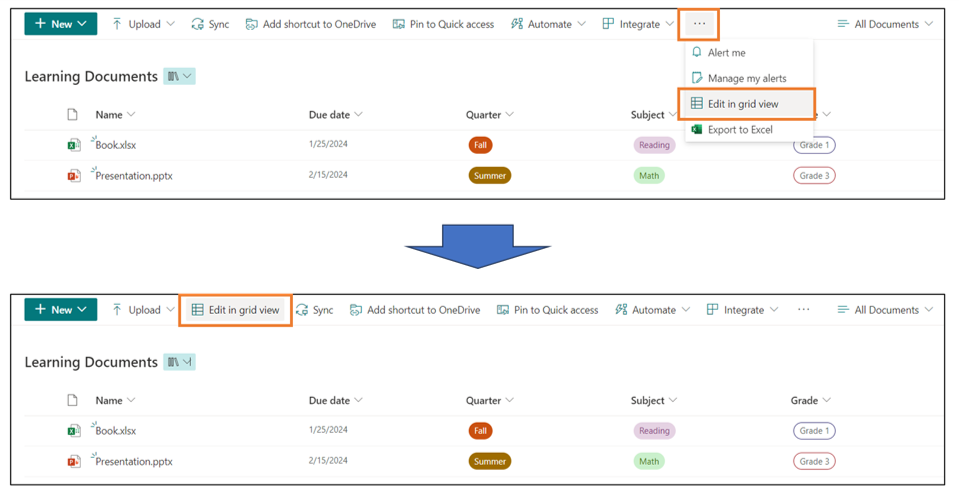
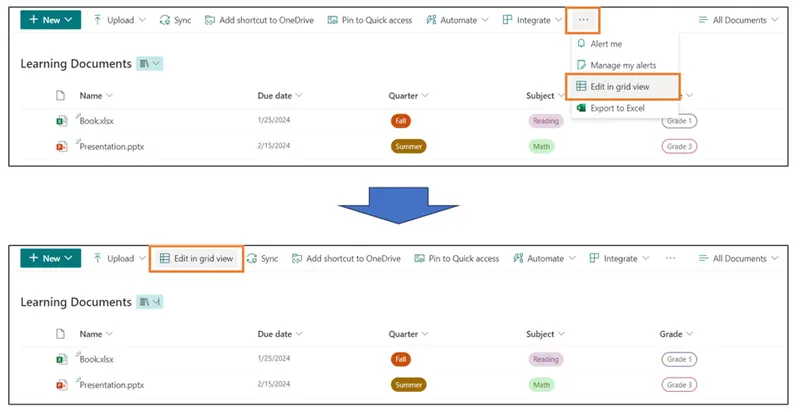
In the Document Library, the [Edit in grid view] button is hidden under the [...] button. This sample demonstrates displaying the [Edit in grid view] button on the command bar. By displaying the [Edit in grid view] button on the command bar, you can quickly open the grid view and edit the file property values.
View requirements
This can be applied to any view.
Sample
| Solution | Author(s) |
|---|---|
| commandbar-display-edit-in-gridview.json | Tetsuya Kawahara |
Version history
| Version | Date | Comments |
|---|---|---|
| 1.0 | January 23, 2024 | Initial release |
Disclaimer
THIS CODE IS PROVIDED AS IS WITHOUT WARRANTY OF ANY KIND, EITHER EXPRESS OR IMPLIED, INCLUDING ANY IMPLIED WARRANTIES OF FITNESS FOR A PARTICULAR PURPOSE, MERCHANTABILITY, OR NON-INFRINGEMENT.
Additional notes
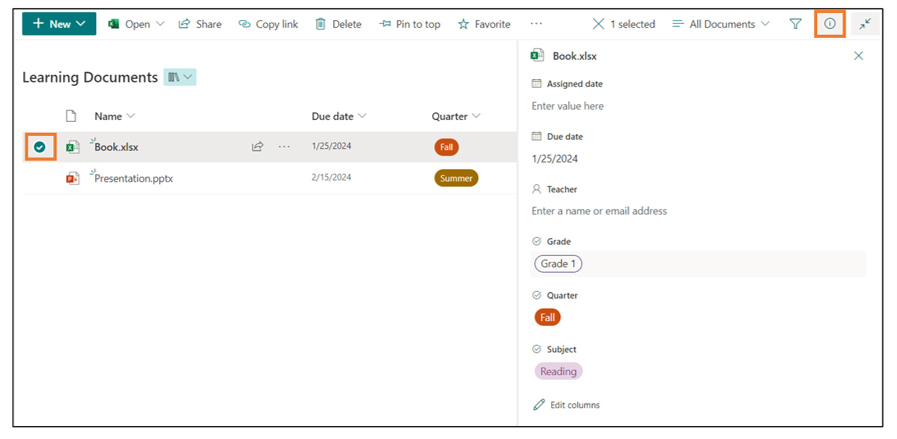
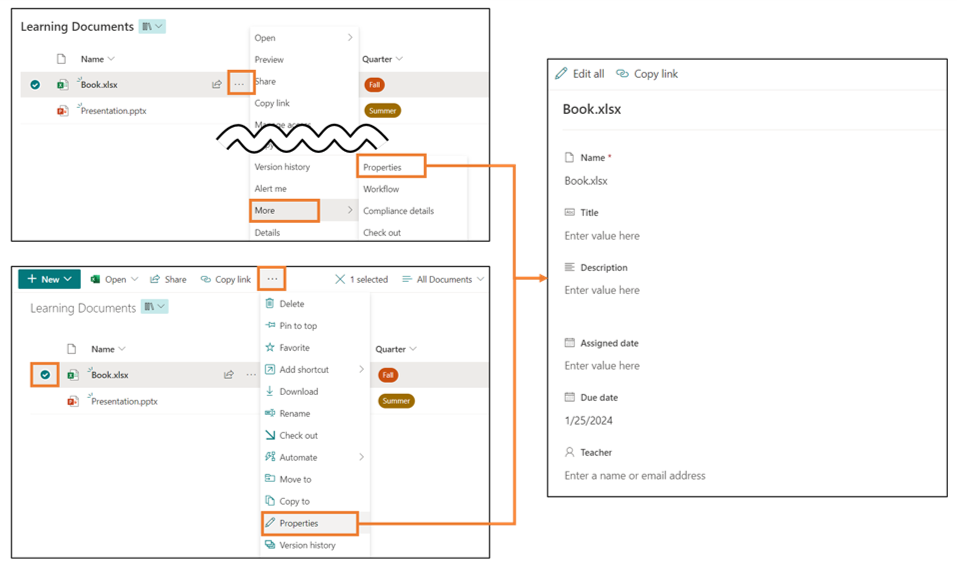
File property values can also be edited in ways other than grid view.
If you frequently edit file property values in grid view and want to edit them in grid view right from the command bar, try using this sample.