
From the contributor
How to use this sample
Summary
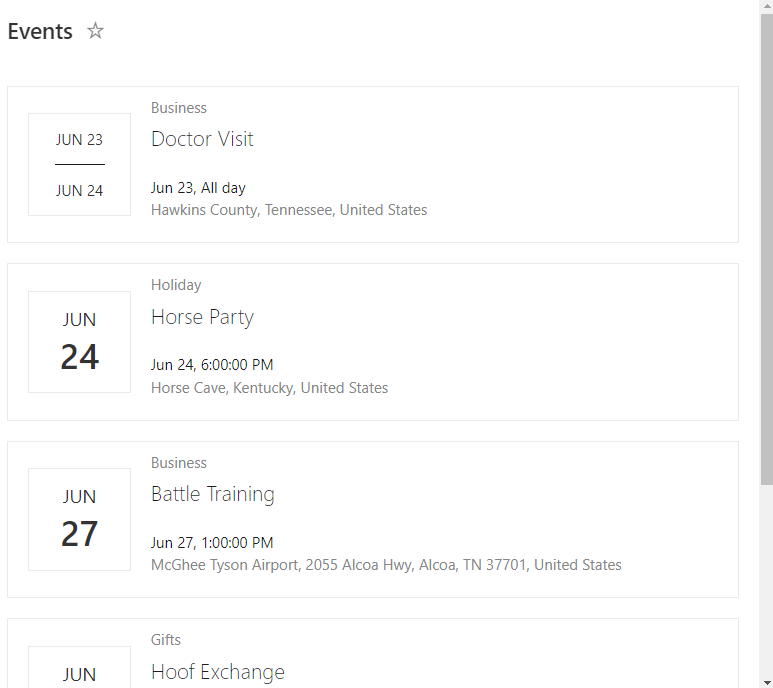
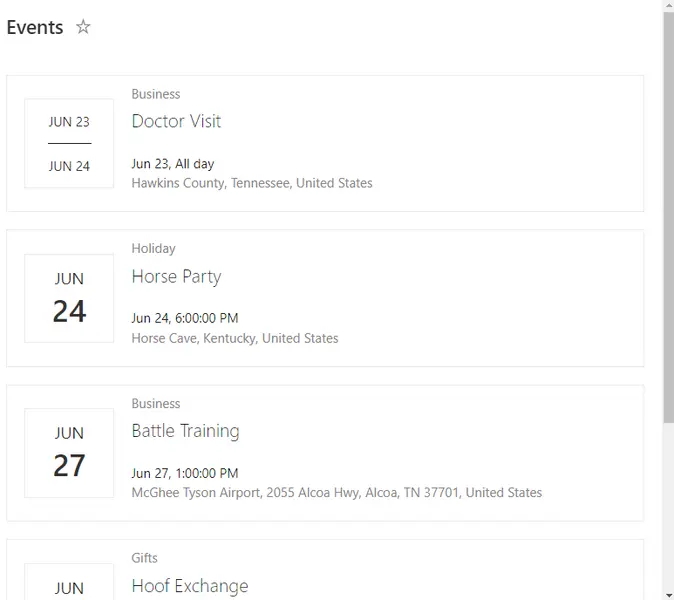
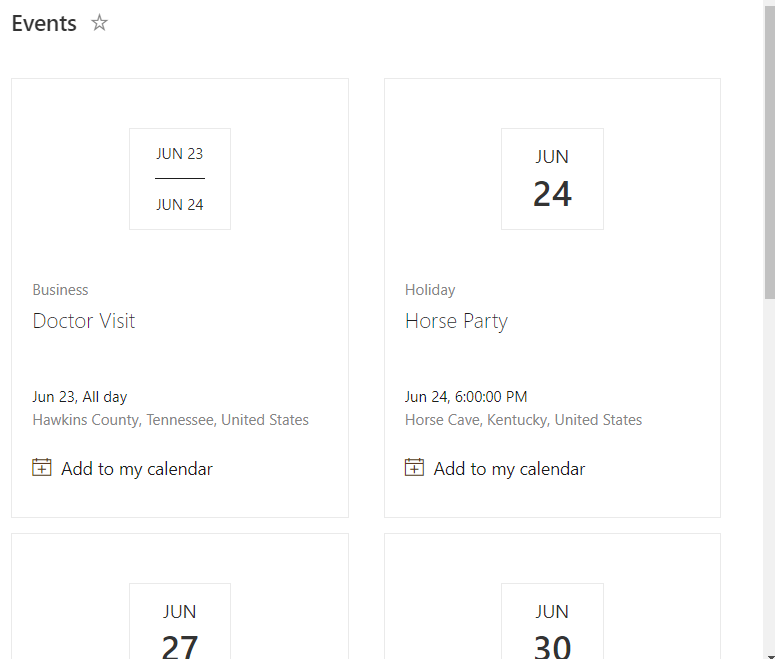
This sample demonstrates applying view formatting to an Events list to imitate the modern events webpart. The format is implemented using the Tiles view and there is a format included that only includes this portion to make customization easier (event-tiles-only). The primary sample demonstrates using a single format to provide both a list and tile view as well as demonstrating implementing a custom hover card with default person hover cards as well.
Gallery View:
Links
View requirements
Even on modern sites, the Events list shows all views in the classic experience. You will have to follow these instructions to enable the modern experience on normal views (NOT the calendar view):
List Settings > Advanced settings > List Experience: Change to New experience and click OK.
This specific format expects the following columns to be part of the view:
| Type | Internal Name | Required |
|---|---|---|
| Single line of text | Title | Yes |
| Date | Deployed | Yes |
| Yes/No | Active | Yes |
Sample
| Solution | Author(s) |
|---|---|
| event-tiles.json | Chris Kent |
| event-tiles-only.json | Chris Kent |
Version history
| Version | Date | Comments |
|---|---|---|
| 1.0 | June 25, 2020 | Initial release |
Disclaimer
THIS CODE IS PROVIDED AS IS WITHOUT WARRANTY OF ANY KIND, EITHER EXPRESS OR IMPLIED, INCLUDING ANY IMPLIED WARRANTIES OF FITNESS FOR A PARTICULAR PURPOSE, MERCHANTABILITY, OR NON-INFRINGEMENT.