
From the contributor
How to use this sample
Summary
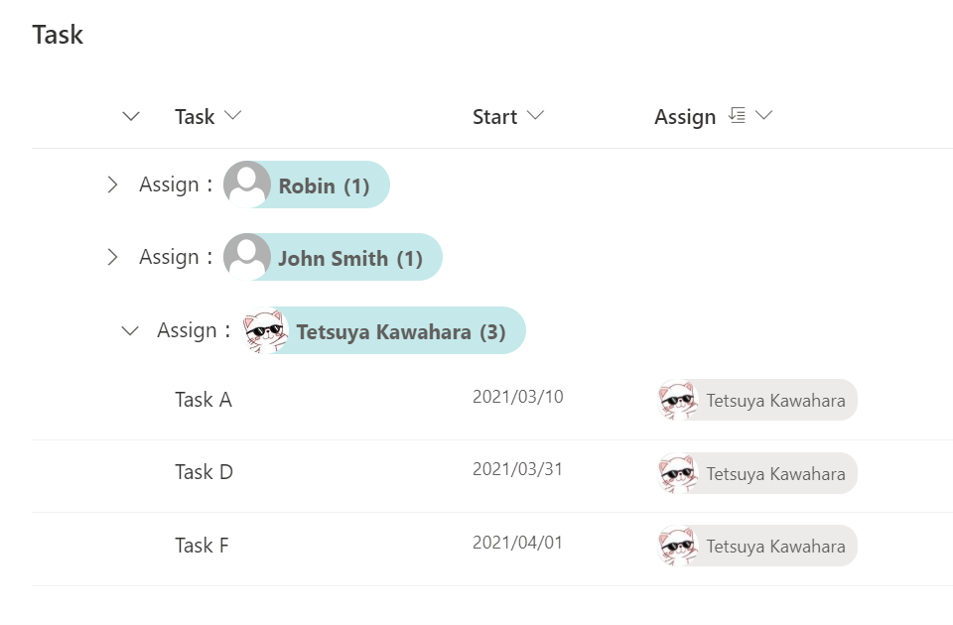
This is a sample of customizing the group header when grouping by user column. Display the user's picture as well as the user's name in the group header.
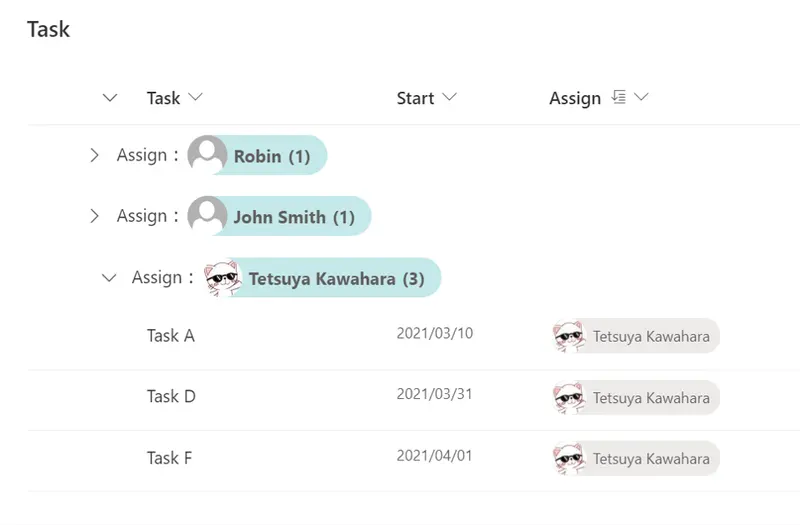
This format only affects the group header, the Assign column in the screenshot above is using out of the box display.
View requirements
Group by user column and display that user column in the view.
Sample
| Solution | Author(s) |
|---|---|
| group-header-user-picture.json | Tetsuya Kawahara |
Version history
| Version | Date | Comments |
|---|---|---|
| 1.0 | April 3, 2021 | Initial release |
| 1.1 | October 16, 2024 | Changed to use getUserImage operator to get user's picture |
Disclaimer
THIS CODE IS PROVIDED AS IS WITHOUT WARRANTY OF ANY KIND, EITHER EXPRESS OR IMPLIED, INCLUDING ANY IMPLIED WARRANTIES OF FITNESS FOR A PARTICULAR PURPOSE, MERCHANTABILITY, OR NON-INFRINGEMENT.