
From the contributor
How to use this sample
Summary
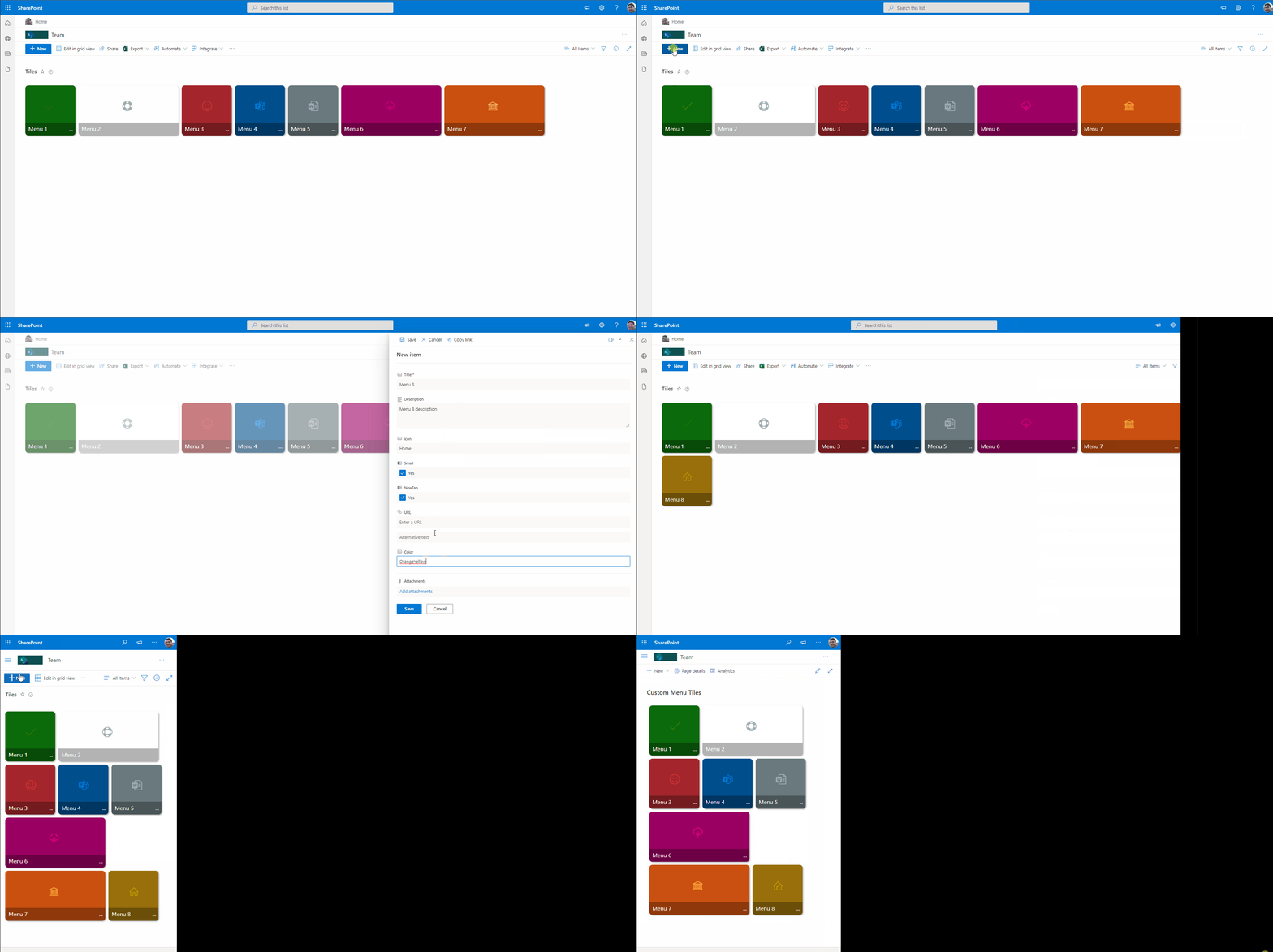
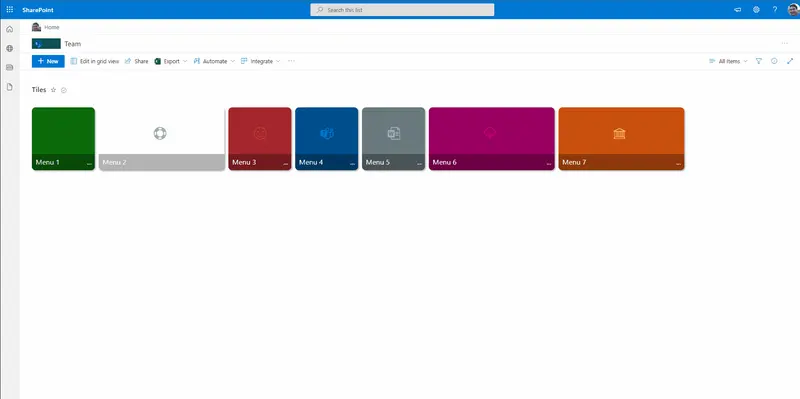
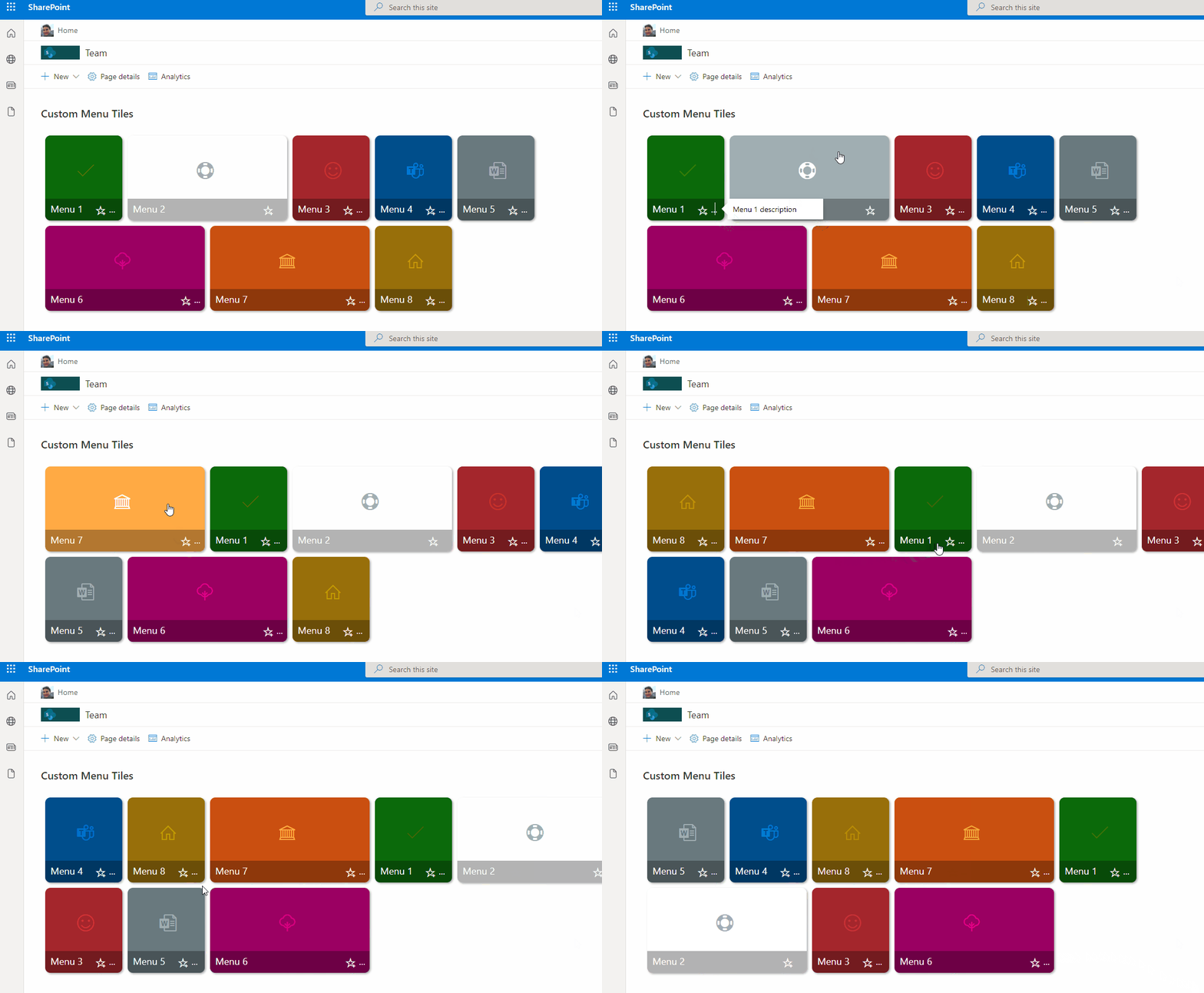
This sample includes a Metro tiles style menu with additional features such us configuration of tiles using size and color, option to favorite a tile using setValue, and also includes customCardProps to show a custom hover card with the description of a tile.
This format uses the icon
AddFavoritecombined with"action": "setValue"to update an item and reorganizes Tiles in the view when ordered byModified.
View requirements
- The format expect the following fields:
| Field | Type |
|---|---|
| Title | Single line of text |
| Description | Multiple line of text |
| Color | Single line of text - Select one of this pre defined case-sensitive colors - (empty/null, Green, Red, CyanBlue, Gray, MagentaPink, Orange, OrangeYellow). |
| icon | Single line of text |
| URL | Hyperlink |
| NewTab | Yes/No - This field is used to open the link the same tab or new tab |
| Small | Yes/No - Used to define the size of Tile. |
| OrderDate | Date & Time - this field will be used to update item to order tile. |
Edit View requirements
- Sort by the
Modifiedcolumn in descending order
Sample
| Solution | Author(s) |
|---|---|
| menu-link-tiles.json | André Lage |
Version history
| Version | Date | Comments |
|---|---|---|
| 1.0 | December 03, 2021 | Initial release |
Disclaimer
THIS CODE IS PROVIDED AS IS WITHOUT WARRANTY OF ANY KIND, EITHER EXPRESS OR IMPLIED, INCLUDING ANY IMPLIED WARRANTIES OF FITNESS FOR A PARTICULAR PURPOSE, MERCHANTABILITY, OR NON-INFRINGEMENT.