
From the contributor
How to use this sample
Summary
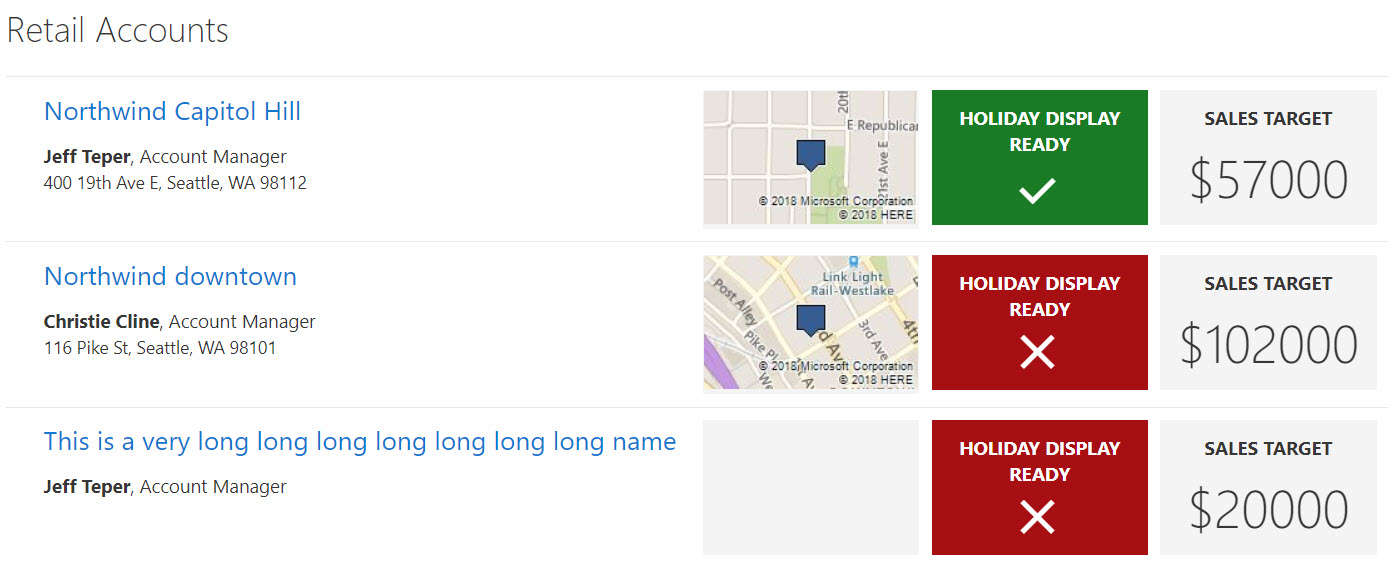
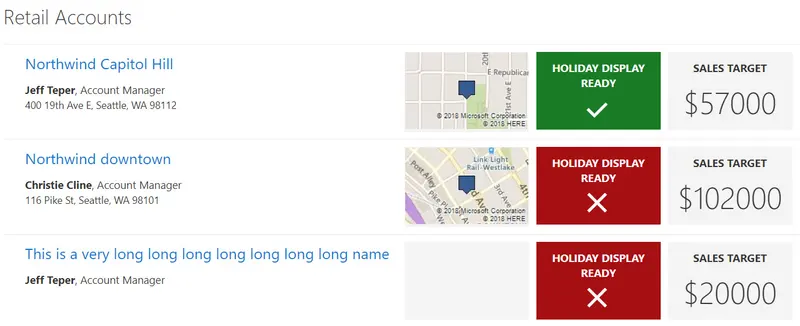
SharePoint lists are excellent places to store information. This example demonstrates how to use a custom SharePoint list to manage retail stores. This sample defines a custom view to bring focus to the status of store locations. It also provides a better visual experience by displaying all the data in an easy to read format by using icons, colors, and Bing maps.
View requirements
The view must include these columns:
Standard columns
- LinkTitle
- Location
Custom columns
| Column Name | Type |
|---|---|
| Account_x0020_Manager | User |
| Sales_x0020_Target | Currency |
| Holiday_x0020_Display_x0020_Read | Boolean |
Site Script
This sample includes a site script (create-list.json) that creates the required site columns, the Retail Accounts list, and a new view named All Items - customized in the list that contains all the required columns.
See the SharePoint site design and site script overview article to learn how to use the site script.
Bing Map
The View Formatter JSON (retail-accounts.json) uses the Bing Map Imagery REST API to display map images based on the values in the Location column.
Note: You will need your own Bing Maps key to display the maps in your own environment.
First, get a Bing Maps Key.
Then, replace the key querystring parameter value (the YOUR BING MAP API KEY placeholder shown in the code below) with your own Bing Maps key.
"elmType": "img",
"attributes": {
  "class": " ms-borderColor-neutralLighter",
  "src": "='https://dev.virtualearth.net/REST/v1/Imagery/Map/Road?mapSize=171,106&pp=' + if([$Location.Coordinates.Latitude], [$Location.Coordinates.Latitude], '0') + ',' + if([$Location.Coordinates.Longitude], [$Location.Coordinates.Longitude], '0') + '&key=YOUR BING MAP API KEY'"
Sample
| Solution | Author(s) |
|---|---|
| retail-accounts.json | Todd Baginski, Lincoln DeMaris, Chris McNulty, Tyler Lui, Justin So |
Version history
| Version | Date | Comments |
|---|---|---|
| 1.0 | October 9, 2018 | Initial release |
Disclaimer
THIS CODE IS PROVIDED AS IS WITHOUT WARRANTY OF ANY KIND, EITHER EXPRESS OR IMPLIED, INCLUDING ANY IMPLIED WARRANTIES OF FITNESS FOR A PARTICULAR PURPOSE, MERCHANTABILITY, OR NON-INFRINGEMENT.
Additional notes
None