
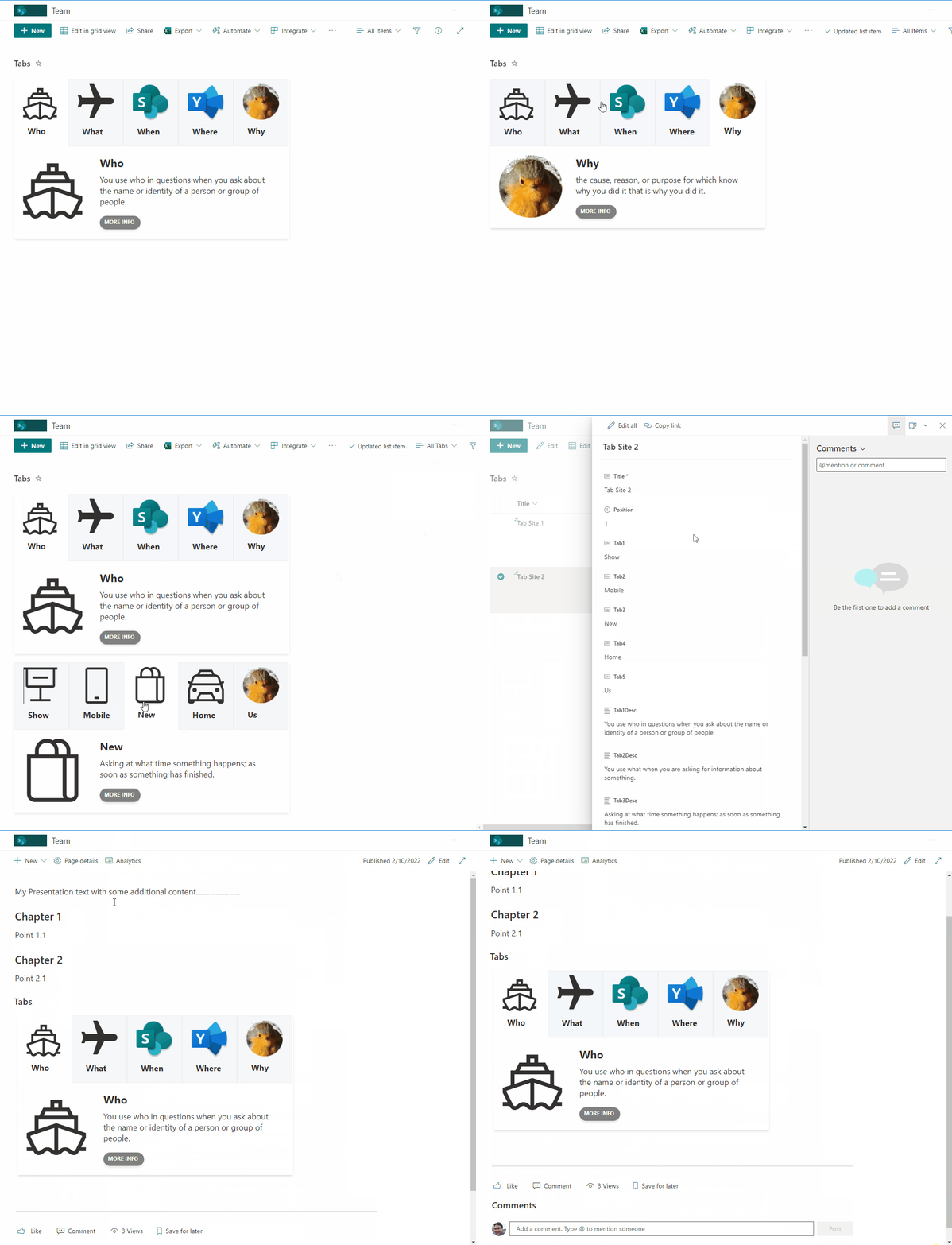
From the contributor
How to use this sample
Summary
This sample creates tabs with associated content. Users can then navigate between tabs. This sample is intended to display content within a SharePoint page (using the lists webpart) to provide a more interactive and user friendly approach.
You can include the tab header, icon (or URL to an image), content, and link redirection for more information. By using views, you can filter to only display specific list items to allow the list to power multiple tabs on different pages.
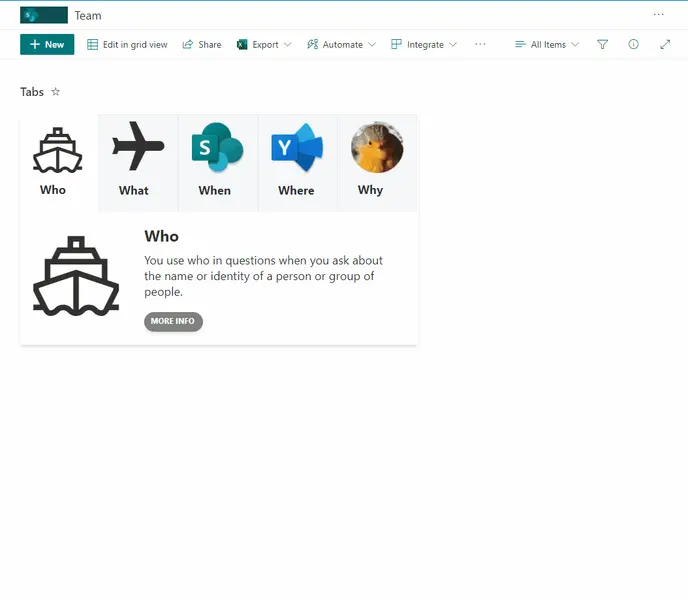
Note - the active tab is stored with the list item meaning that changes on the active tab position will affect ALL users.
View requirements
- The format expect the following fields:
| Field | Type |
|---|---|
| Title | Single line of text |
| TabHead1 | Single line of text - Tab name |
| Tab1Desc | Multiple lines of text - Description of Tab content |
| Tab1Icon | Single line of text - Icon name or url to image |
| TabUrl1 | Single line of text - url to "more info" button |
| TabHead2 | Single line of text |
| Tab2Desc | Multiple lines of text |
| Tab2Icon | Single line of text |
| TabUrl2 | Single line of text |
| TabHead3 | Single line of text |
| Tab3Desc | Multiple lines of text |
| Tab3Icon | Single line of text |
| TabUrl3 | Single line of text |
| TabHead4 | Single line of text |
| Tab4Desc | Multiple lines of text |
| Tab4Icon | Single line of text |
| TabUrl4 | Single line of text |
| TabHead5 | Single line of text |
| Tab5Desc | Multiple lines of text |
| Tab5Icon | Single line of text |
| TabUrl5 | Single line of text |
| Position | Number - Tab position selected |
Filter Tab to display content
Since is possible to create multiple tabs, using the view capabilties can filter each view to only display associated tab and then include in associated SharePoint page.
Access to View edit option and access to "Filter" area, check "Show items only when the following is true:" and select column and content to be filter to only display associated tabs.
Sample
| Solution | Author(s) |
|---|---|
| tabs.json | André Lage |
Version history
| Version | Date | Comments |
|---|---|---|
| 1.0 | February 17, 2022 | Initial release |
Disclaimer
THIS CODE IS PROVIDED AS IS WITHOUT WARRANTY OF ANY KIND, EITHER EXPRESS OR IMPLIED, INCLUDING ANY IMPLIED WARRANTIES OF FITNESS FOR A PARTICULAR PURPOSE, MERCHANTABILITY, OR NON-INFRINGEMENT.