
From the contributor
How to use this sample
Summary
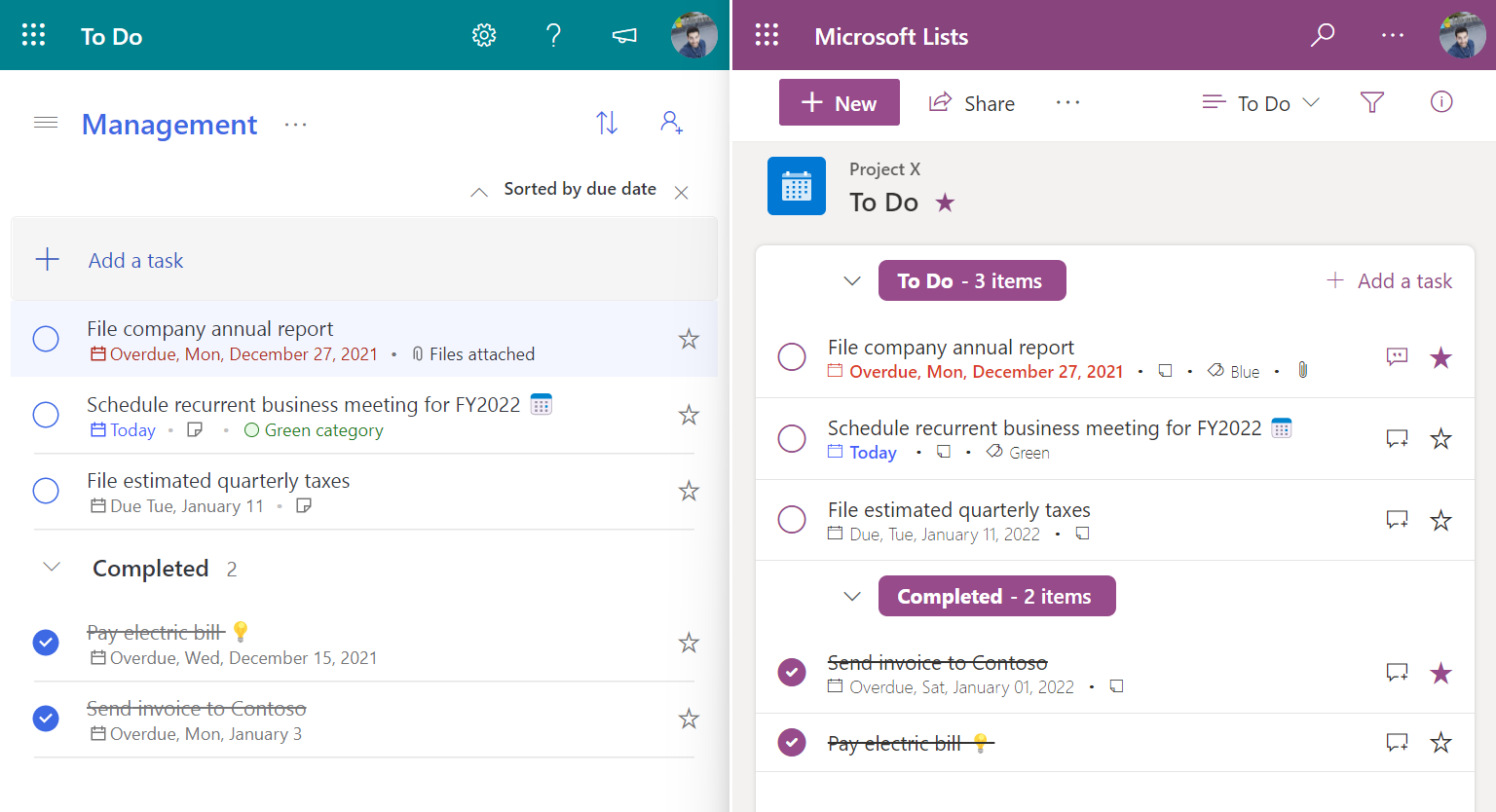
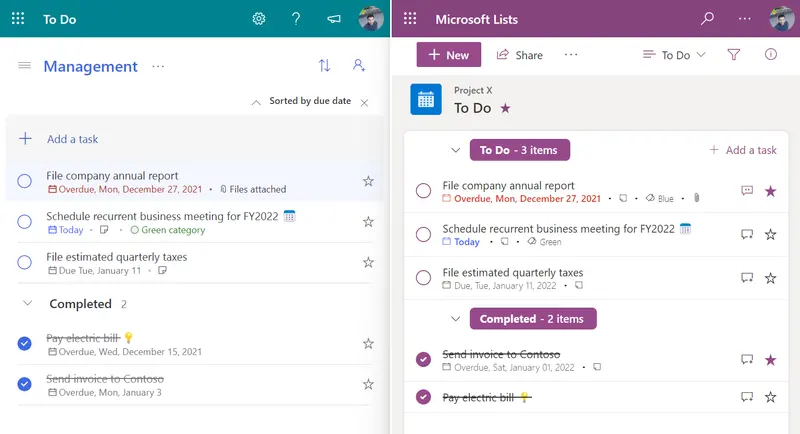
This sample formats your SharePoint list view to look like Microsoft To Do.
View requirements
| Column Name | Type |
|---|---|
| Title | Single Line Text |
| Description | Multi Line Text |
| Category | Choice |
| Due date | Date and time |
| Important | Yes/No, with default value set to No |
| Status | Yes/No, with default value set to No |
| Date | Calculated, as a single line of text using the formula: =CONCATENATE(TEXT(WEEKDAY([Due date]),"ddd"),", ",TEXT([Due date],"mmmm dd, yyyy")) |
More info and details
This sample and all the options and decisions made to implement it, is explained in detail in a serie of articles:
1️⃣ List Definition
2️⃣ List view customization
3️⃣ To Do list template
A resumed version of the articles is also available in video format
🎥 Creating a To Do list for Microsoft Lists and SharePoint using View Formatting
Sample
| Solution | Author(s) |
|---|---|
| to-do.json | João Ferreira |
Version history
| Version | Date | Comments |
|---|---|---|
| 1.0 | March 4, 2022 | Initial release |
Disclaimer
THIS CODE IS PROVIDED AS IS WITHOUT WARRANTY OF ANY KIND, EITHER EXPRESS OR IMPLIED, INCLUDING ANY IMPLIED WARRANTIES OF FITNESS FOR A PARTICULAR PURPOSE, MERCHANTABILITY, OR NON-INFRINGEMENT.