
From the contributor
How to use this sample
# Open Office Documents in View Mode
Summary
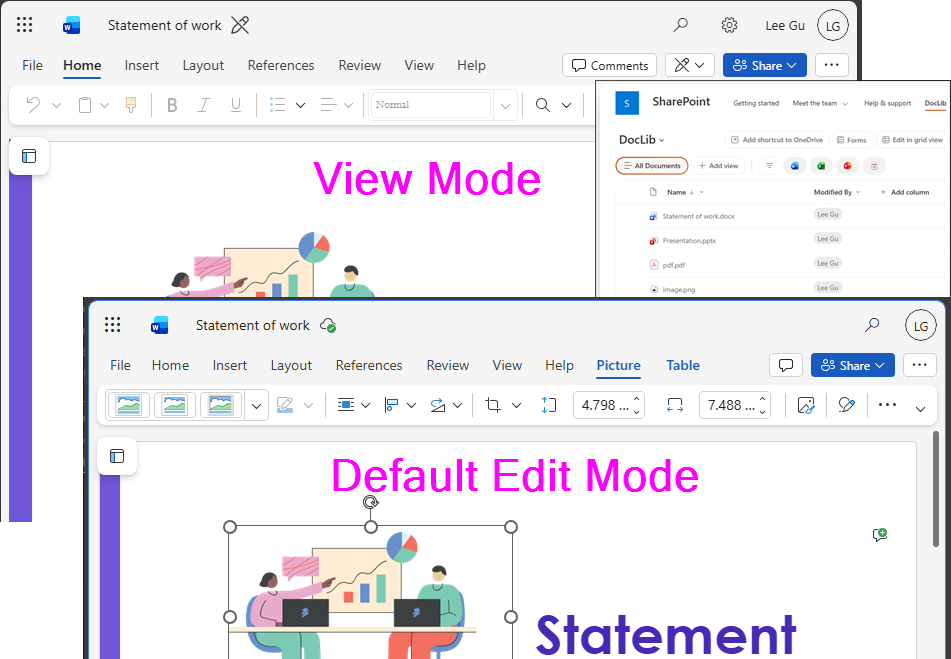
By default, office documents in a SharePoint document library open in Edit mode, switching the default open behaviour from Edit to View prevents common day-to-day issues.
Why defaulting documents to Read-Only in SharePoint Online makes sense:
- Prevent accidental changes
- Better data integrity and cleaner version history
- Improved user experience
You can achieve this by using column formatting on the Name column.
View requirements
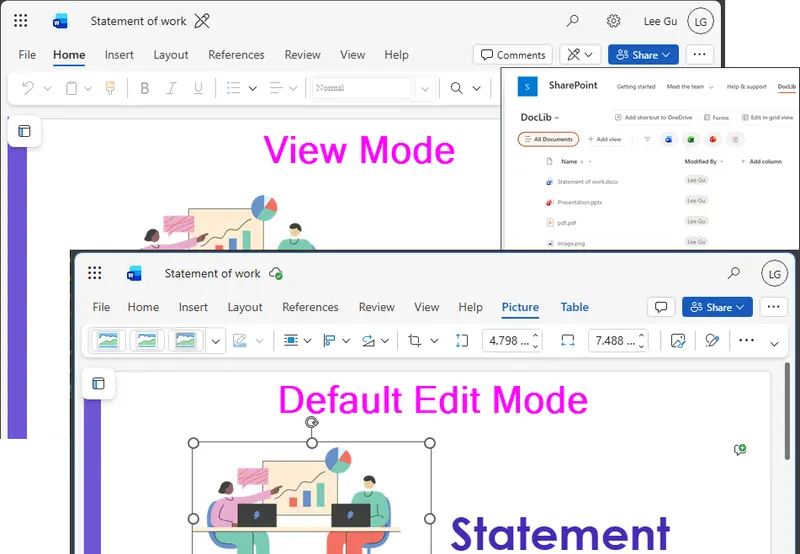
This format can be applied to the Name column (file name) within a SharePoint document library.
[!NOTE]
File Type Extensions Parameters Word docx, docm, doc embedview, interactivepreview, View, ServerRedirectedEmbedUrl Excel xlsx, xlsm, xls embedview, interactivepreview, View PowerPoint pptx, pptm, ppt embedview, interactivepreview, ServerRedirectedEmbedUrl Other types e.g., pdf FileRef
Sample
| Solution | Author(s) |
|---|---|
| filename-open-document-in-view-mode.json | Watana |
Version history
| Version | Date | Comments |
|---|---|---|
| 1.0 | April 12, 2026 | Initial release |
Disclaimer
THIS CODE IS PROVIDED AS IS WITHOUT WARRANTY OF ANY KIND, EITHER EXPRESS OR IMPLIED, INCLUDING ANY IMPLIED WARRANTIES OF FITNESS FOR A PARTICULAR PURPOSE, MERCHANTABILITY, OR NON-INFRINGEMENT.