
From the contributor
How to use this sample
Summary
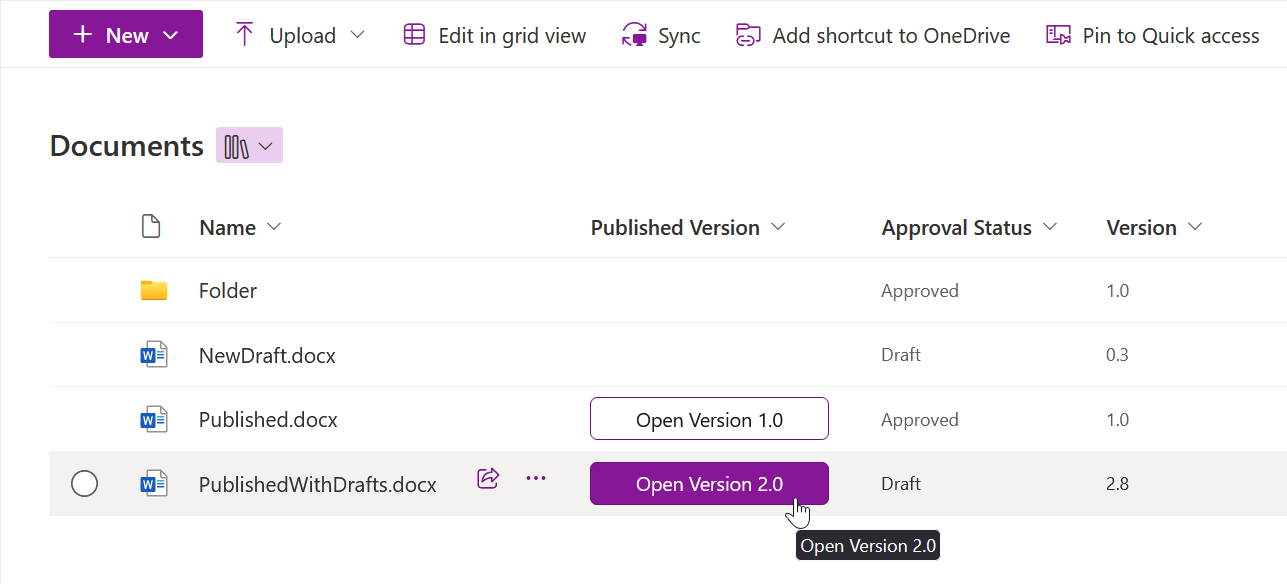
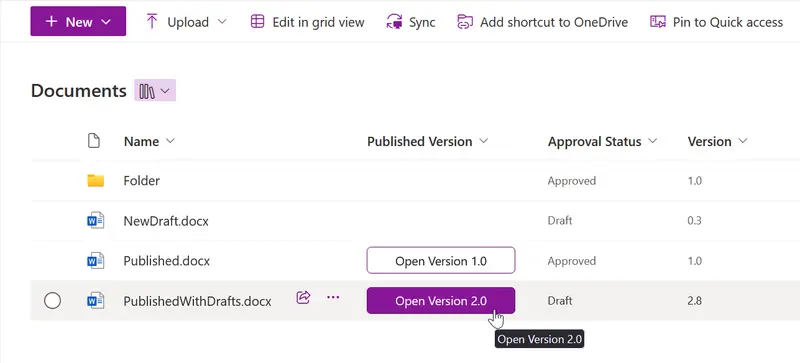
This sample creates a button for opening the currently published version of a document. The sample is supposed to be used in a SharePoint Online document library with minor versions enabled. Button is displayed for every document with a published version, i.e., at version at least 1.0. It is linked to the latest published version of the document - for example, if the latest draft of the document is at version 2.8, the button opens version 2.0.
[!NOTE]
The behavior of the button varies in different browsers and for different file types. For Office documents in Microsoft Edge, the button opens the file directly from SharePoint in the installed app. In other browsers, the button usually downloads the document, optionally opening it after download, based on settings.
View requirements
- This format can be applied to any column type
Sample
| Solution | Author(s) |
|---|---|
| generic-published-version.json | Miroslav Kačena (@MiroslavKacena) |
Version history
| Version | Date | Comments |
|---|---|---|
| 1.0 | October 7, 2024 | Initial release |
Disclaimer
THIS CODE IS PROVIDED AS IS WITHOUT WARRANTY OF ANY KIND, EITHER EXPRESS OR IMPLIED, INCLUDING ANY IMPLIED WARRANTIES OF FITNESS FOR A PARTICULAR PURPOSE, MERCHANTABILITY, OR NON-INFRINGEMENT.
Additional notes
None