Analyze Document Library
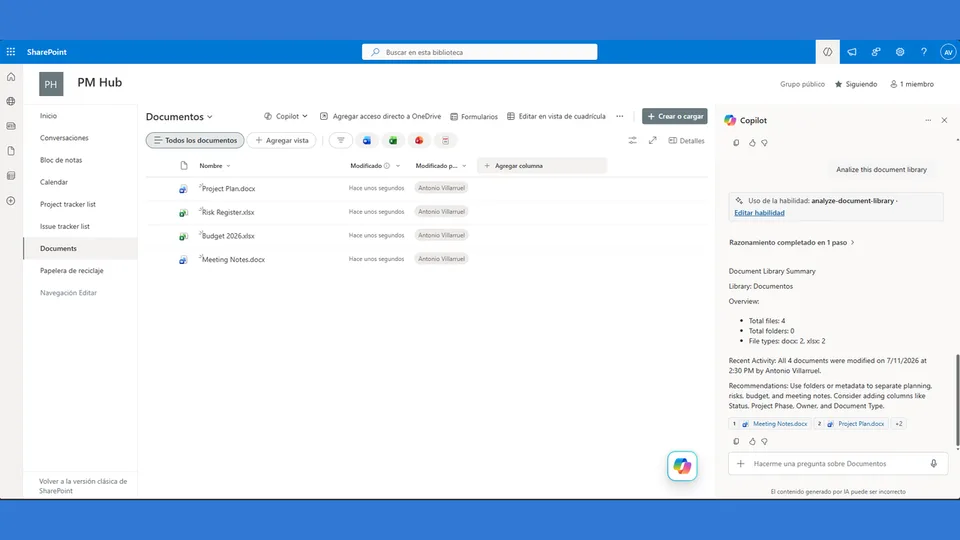
Analyzes a SharePoint document library and provides a structured summary.
 Antonio Villarruel
Skill category
15 community skills
Analyzes a SharePoint document library and provides a structured summary.
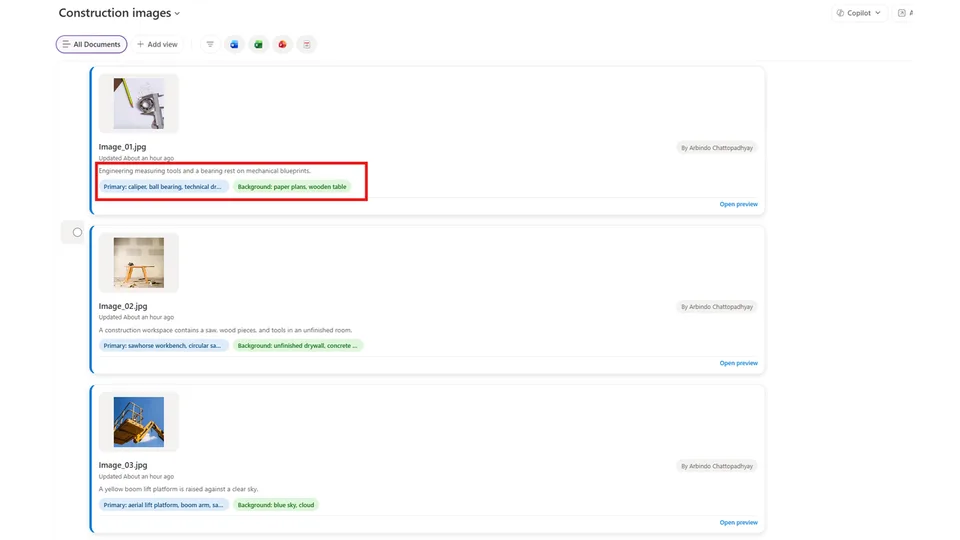
Antonio VillarruelAnalyzes selected images and updates SharePoint columns with concise visual metadata.
 Arbindoc
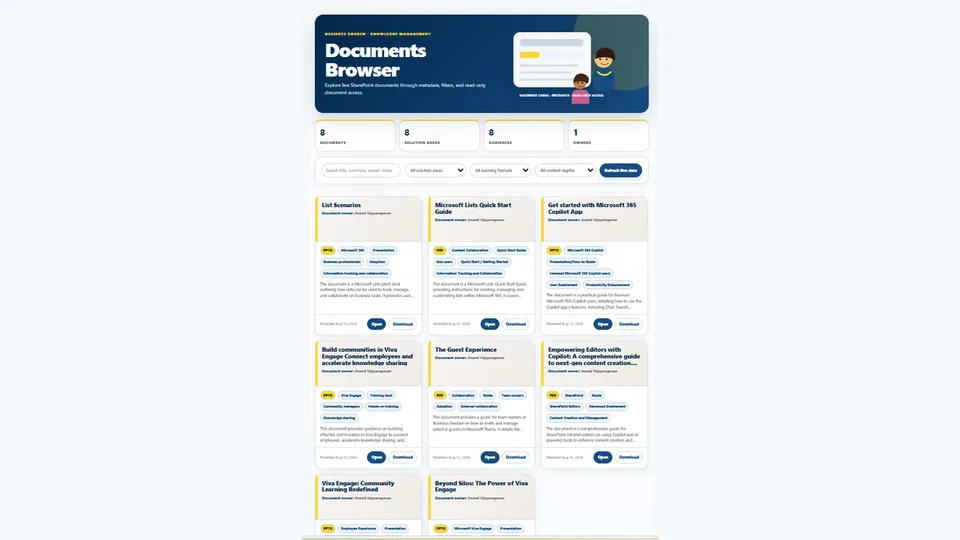
Creates a professional live-linked document browser dashboard for a SharePoint document library with real metadata, navy-and-yellow design system, 3-card layout, and reliable Open/Download links.
 Anand Ragavan
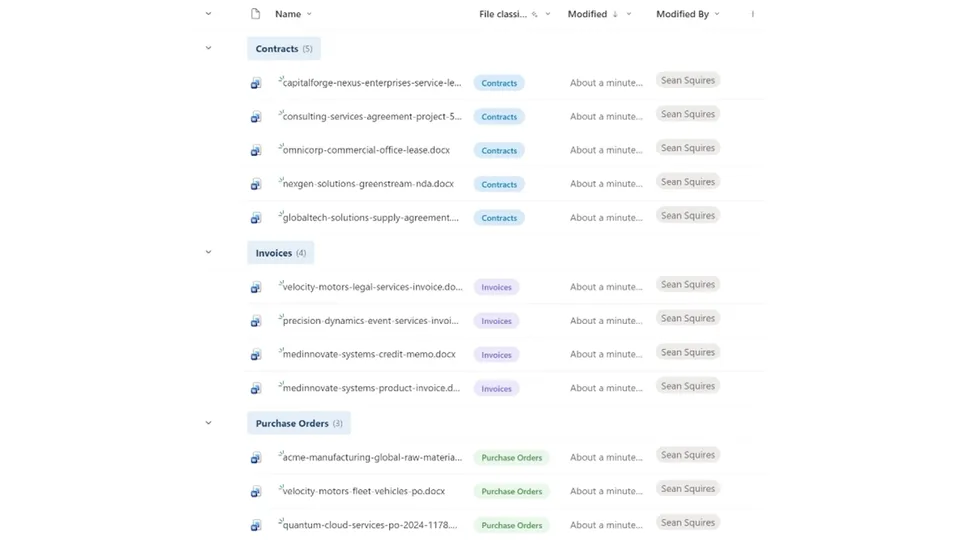
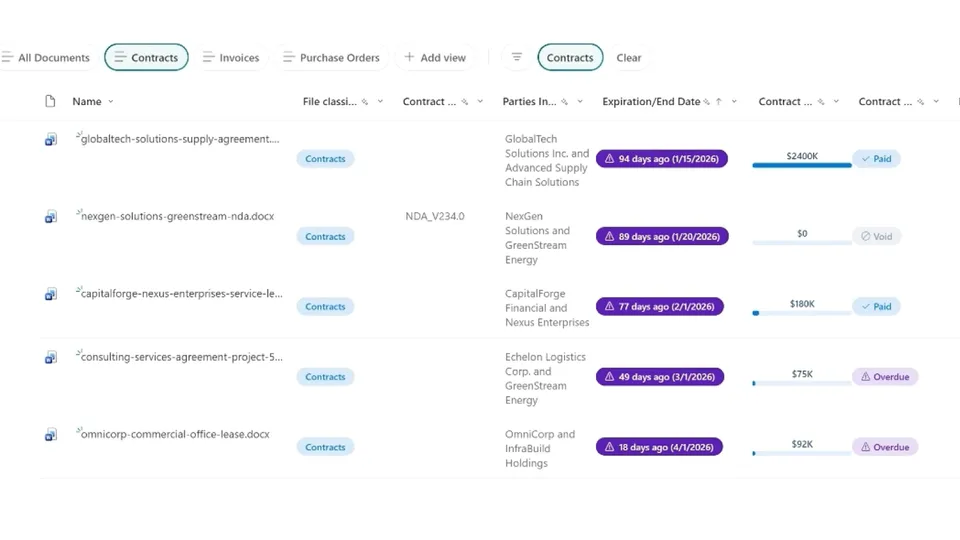
Classifies files in a SharePoint document library by reading their content and matching them to known content types (Contracts, Invoices, Purchase Orders). Creates metadata columns and extracts values automatically.
 Joe Komban
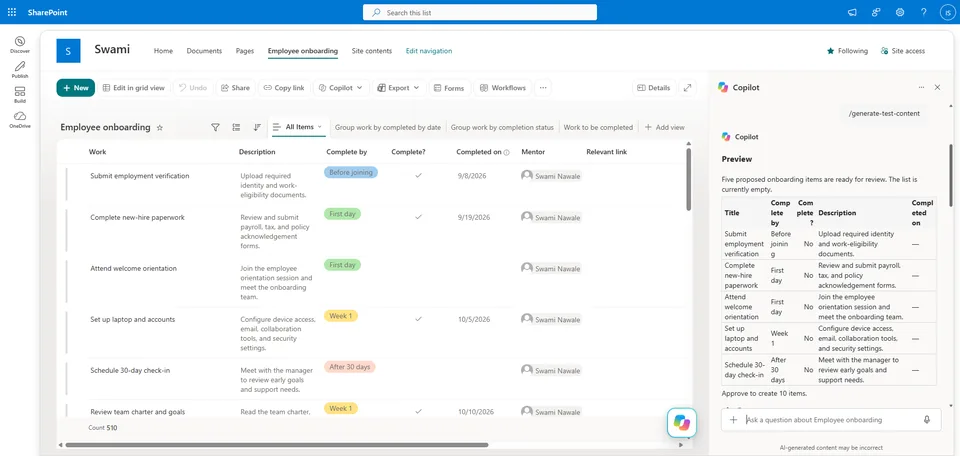
Generates realistic test content for SharePoint lists and document libraries: inspects the current structure, previews five proposed items, and creates the requested number after approval.
 Swami Nawale
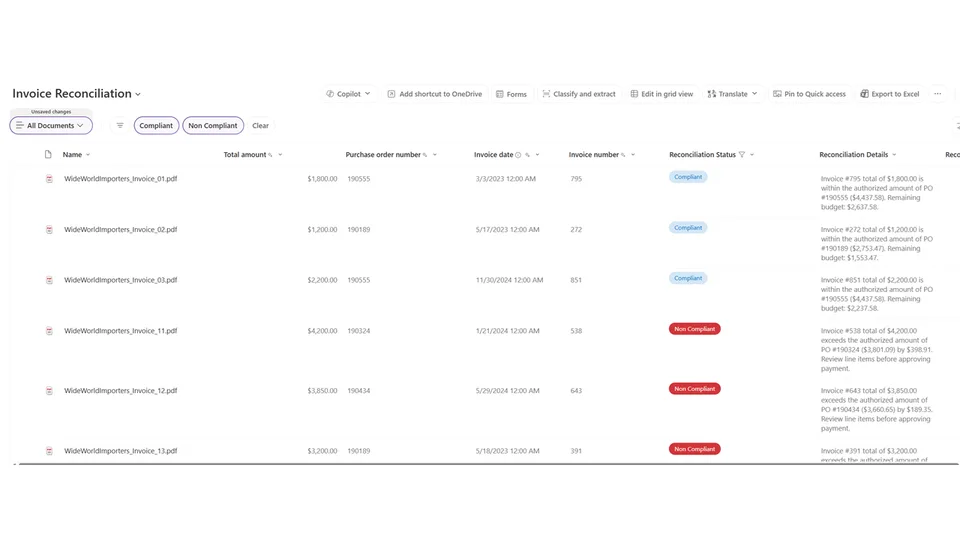
Reconciles one or more user-selected invoice files against their matching purchase orders in the Purchase Order library. Compares totals, flags discrepancies, writes reconciliation status back to invoice metadata, and returns a formatted summary table.
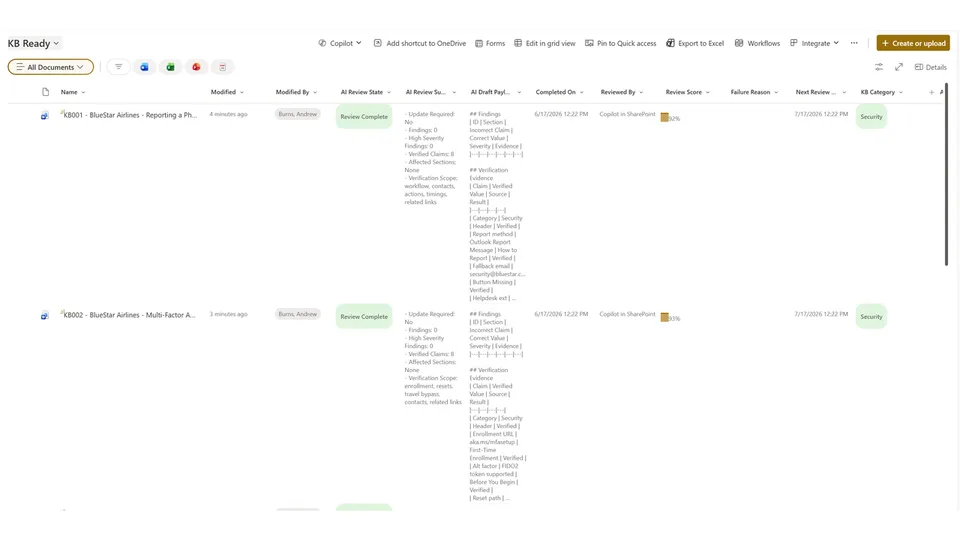
Arbindo ChattopadhyayLightweight AI quality-check skill for SharePoint KB libraries. Creates review columns, validates document accuracy, writes structured findings as metadata, scores each document, and schedules the next review by category.
 Andrew Burns
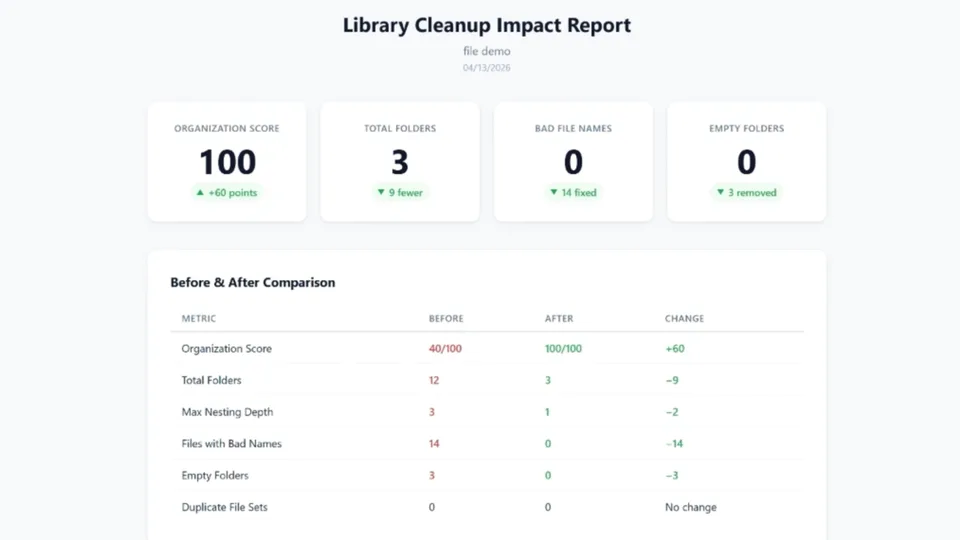
Organizes a SharePoint document library by scanning for duplicates, bad file names, empty folders, and excessive nesting. Presents a before/after comparison with an Organization Score, then executes the cleanup with a live TODO checklist.
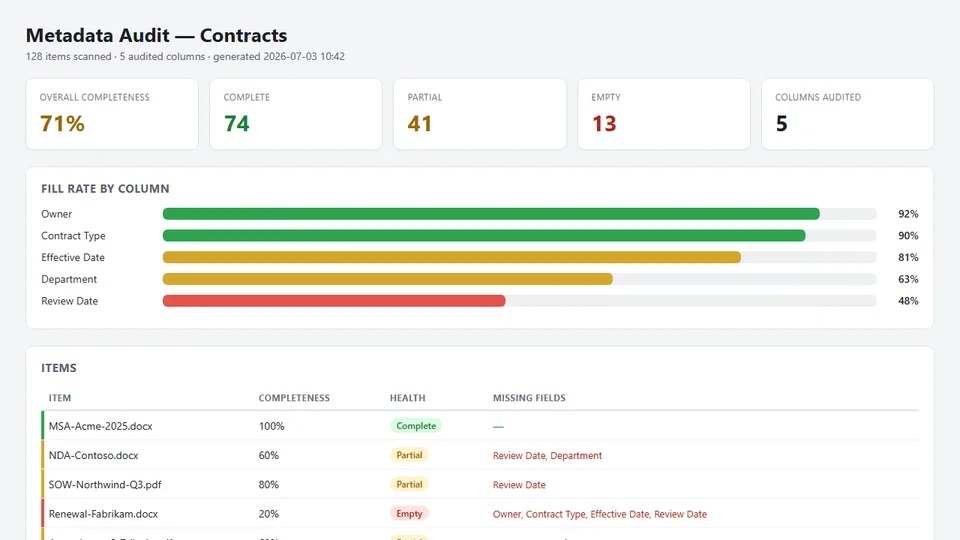
Joe KombanAudits a SharePoint library's metadata quality: flags missing, blank, and placeholder values against the required columns and saves a self-contained HTML gap-report dashboard. Strictly read-only.
 Lovy Jain
Fully organizes a SharePoint document library end-to-end: classifies files, applies brand-consistent column formatting, creates filtered views per content type, colors folders, and sets up notification rules for overdue items.
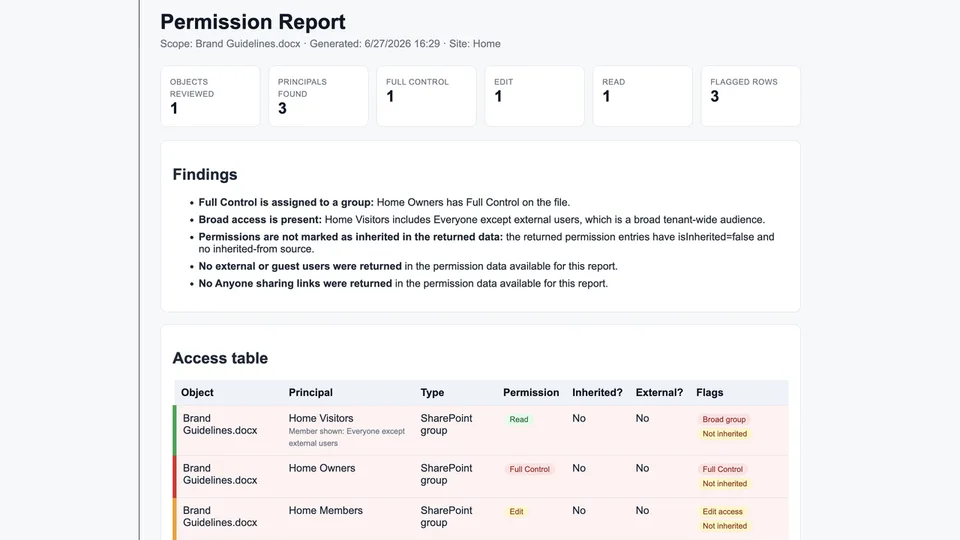
Joe KombanCreates a read-only SharePoint permission and sharing access review as a self-contained HTML report, highlighting high-risk access such as Anyone links, external users, broad groups, and unique permissions.
 Sandeep P S
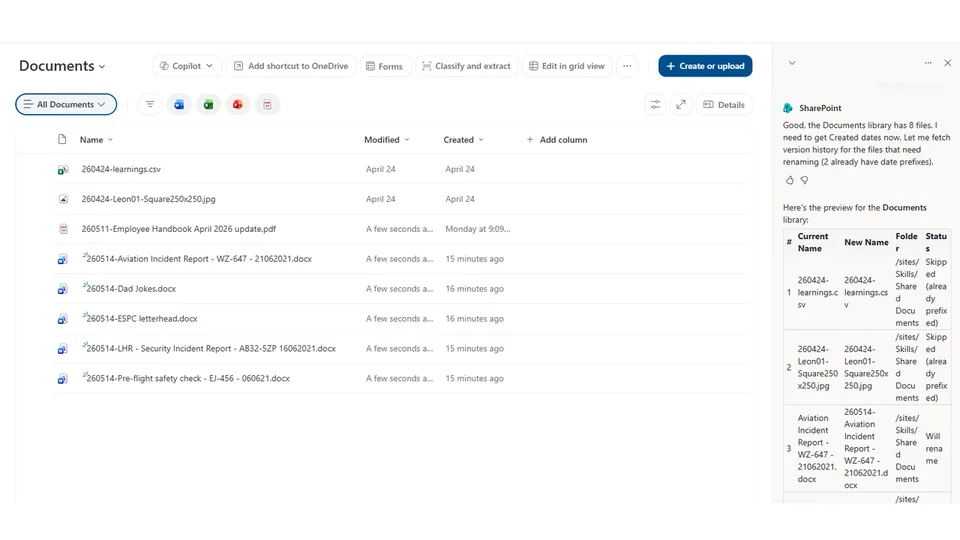
Renames all files in a SharePoint document library (including subfolders) to prefix them with their created date in yyMMdd format. Offers a preview before committing changes.
 Leon Armston
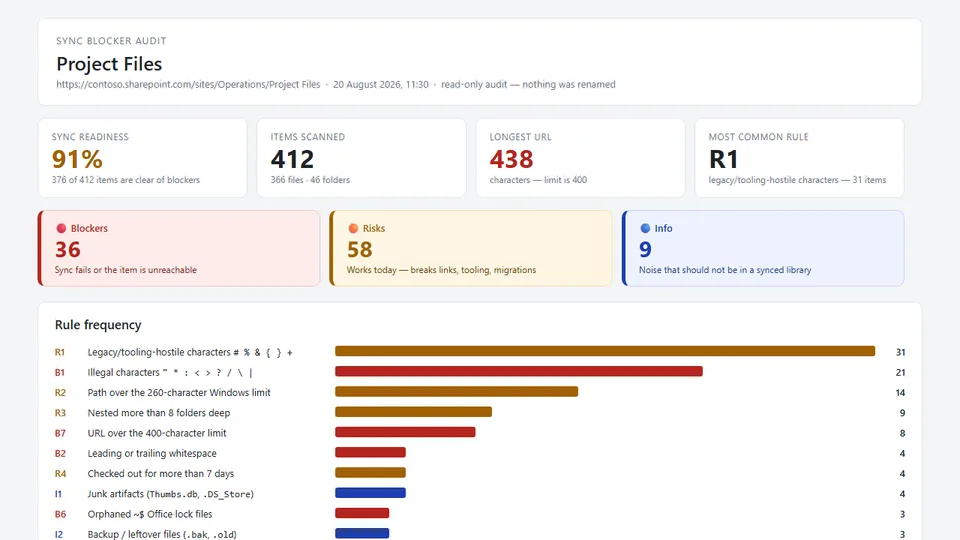
Audits a SharePoint document library for names and paths that break OneDrive sync, File Explorer, and Teams: illegal characters, trailing spaces, reserved names, and paths over the 400-character SharePoint and 260-character Windows limits. Saves a self-contained HTML report with a proposed safe name for every blocker. Strictly read-only.
 Bhupendra Kaushik
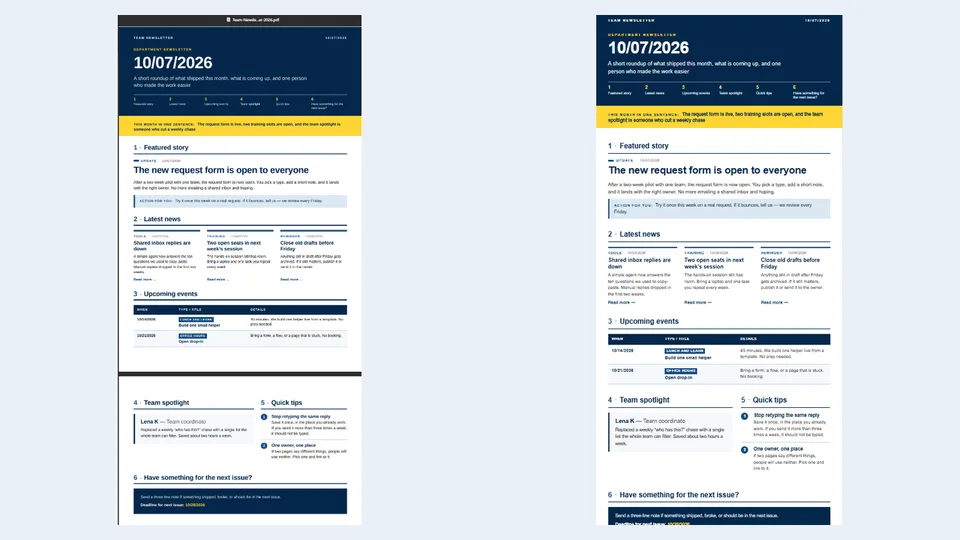
Converts a filled Team Newsletter Word file into a designed newsletter as a PDF and/or a self-contained HTML page using a fixed layout.
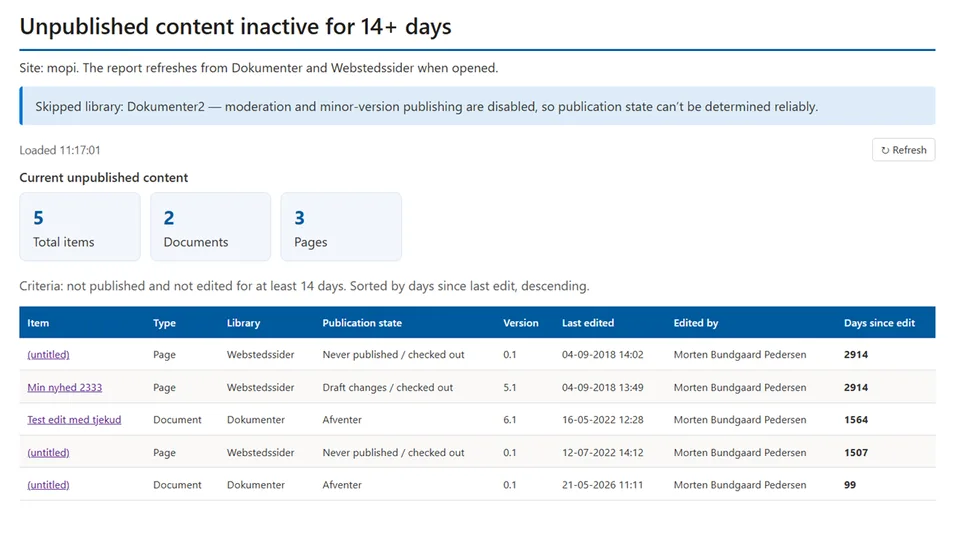
Anand RagavanCreates a report of documents and pages on a site that are not in a published state
 Morten Pedersen