
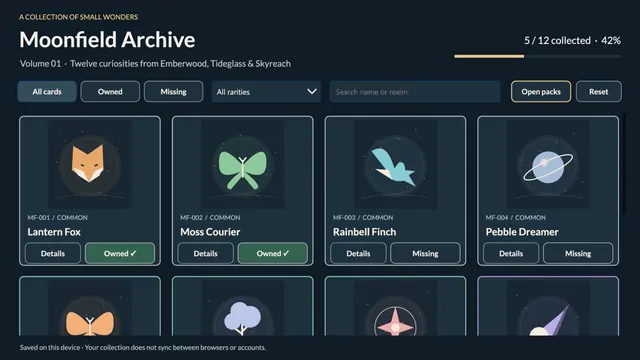
Moonfield Archive
Free three-card packs, original fictional art, a collectible binder and device-local progress.
 Power AppsPower Fx
Microsoft 365 & Power Platform Community
Big ideas start with a little inspiration. Discover apps, automations, and agents built by the community. Make them your own.
 Ideas into impact.
A starting point for your next idea
Free three-card packs, original fictional art, a collectible binder and device-local progress.
Power AppsPower Fx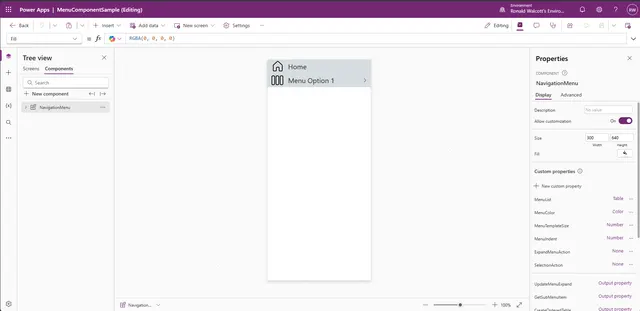
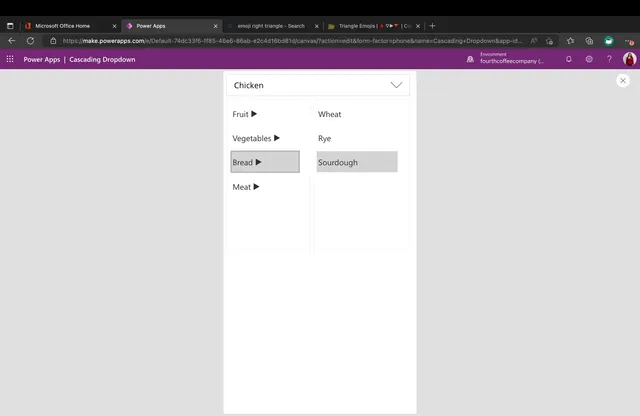
This is a Power Apps Canvas component that demonstrates how to implement a multi level menu. It is currently configured for a maximum of 6 levels.
Power AppsPower Fx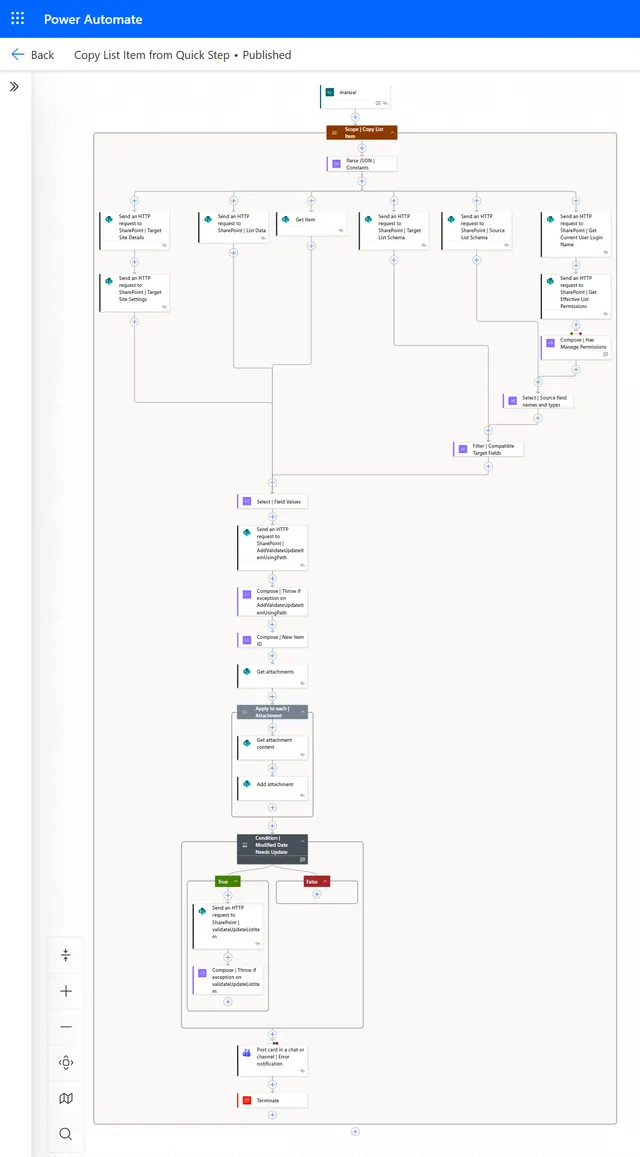
A sample demonstrating how to copy a list item using a quick step.
 Power Automate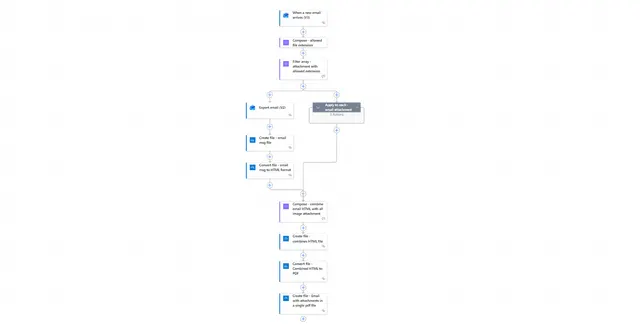
Flow that archives an email and its attachments in a single pdf file
Power Automate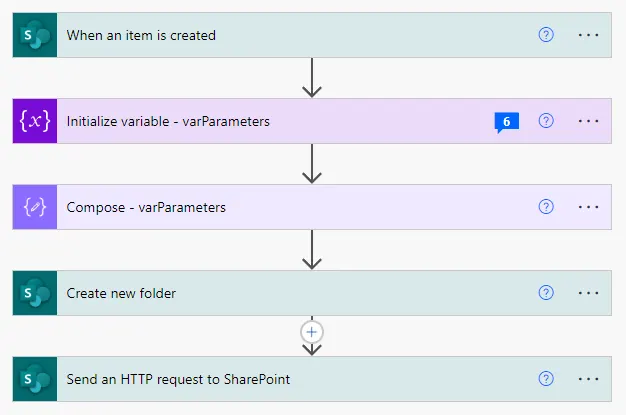
This sample creates a folder in a SharePoint document library and then stores the link to the newly created folder inside of Microsoft Lists using Power Automate.
Power Automate
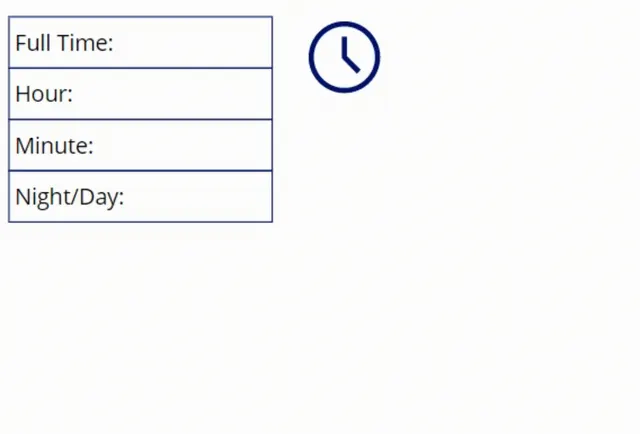
A re-usable component that allows you to select specific times in HH and hh formats through a user friendly and efficient UX.
Power Apps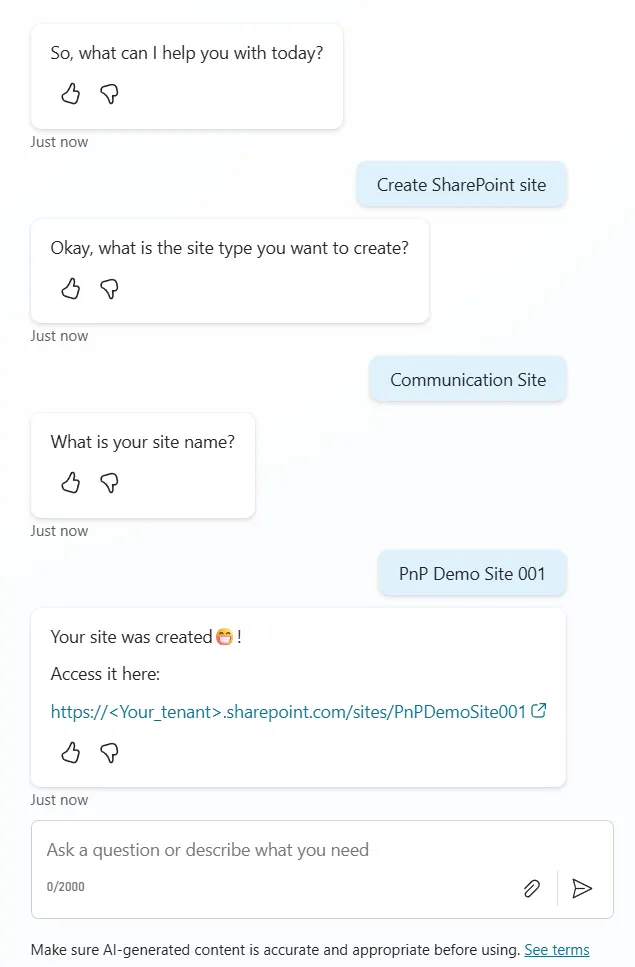
Sample Bot that creates a SharePoint Site by calling Power Automate and using Microsoft Graph/SharePoint Rest APIs.
Power Automate Copilot Studio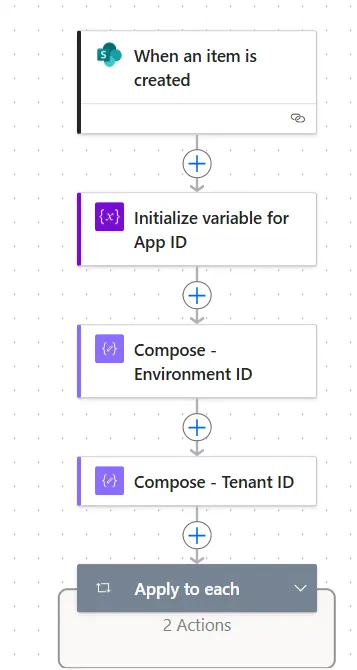
This sample is a cloud flow that can be used to automate sharing of a canvas app.
Power Automate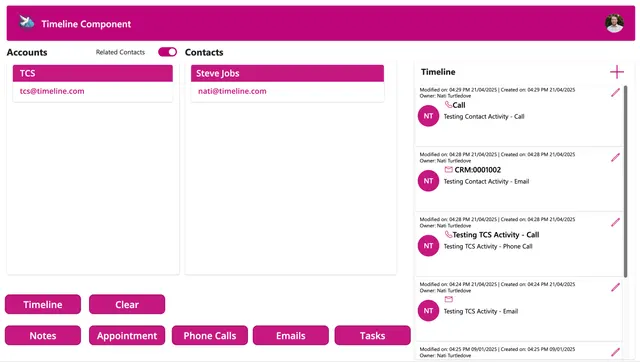
A Canvas app version of the timeline feature in a Model-Driven app, this component consolidates all the activities of a contact or account in a single timleine view, just like an MDA.
Power Apps Dataverse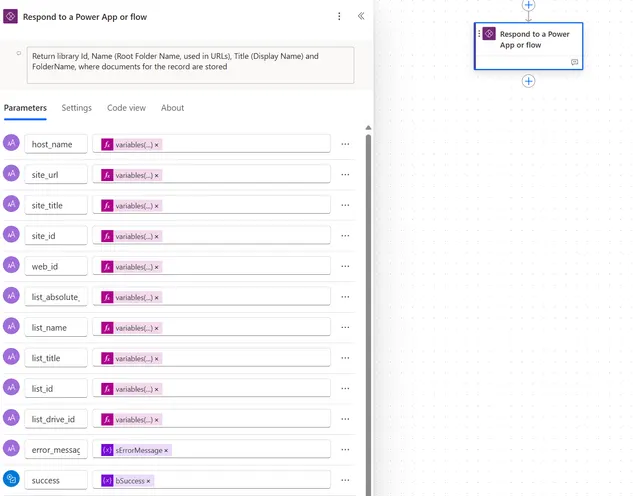
The Get Data Source List Info flow retrieves the site and list information
Power Apps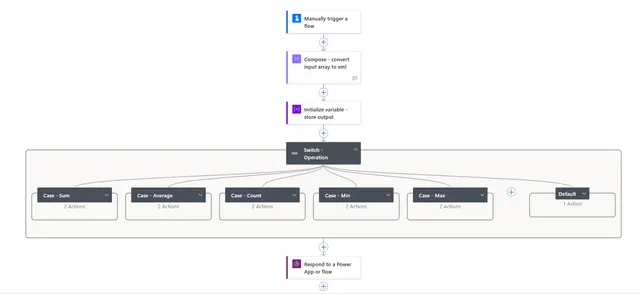
Flow that allow performing aggregate operations (Avg, Count, Min, Max & Sum) on array of objects.
Power Automate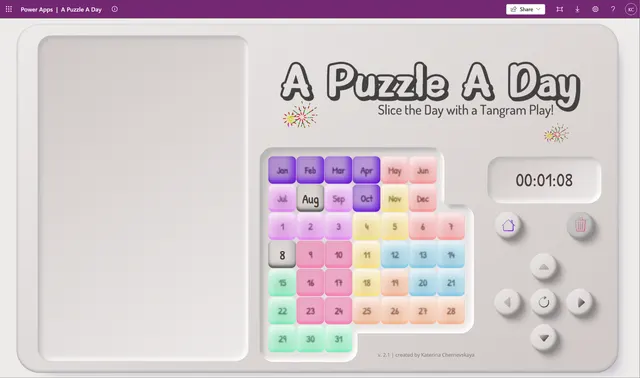
A **Puzzle a Day** is a clever twist on the classic tangram concept. You’re given 8 colorful, irregular shapes and a game board that resembles a 7×7 grid - but with a catch: some cells are blocked and unusable, which changes how the pieces fit. Your goal: place all the pieces so that they don’t overlap, and exactly two valid cells remain empty - one for the month, and one for the day.
Power AppsPower Fx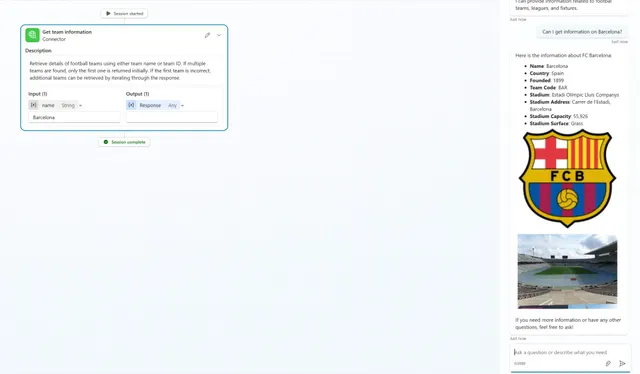
VARify Bot is an agent built with Copilot Studio for fetching information about football teams and results. The bot integrates with a third-party API (https://www.api-football.com/) to answer queries related to your favourite football teams.
Power AutomateCopilot Studio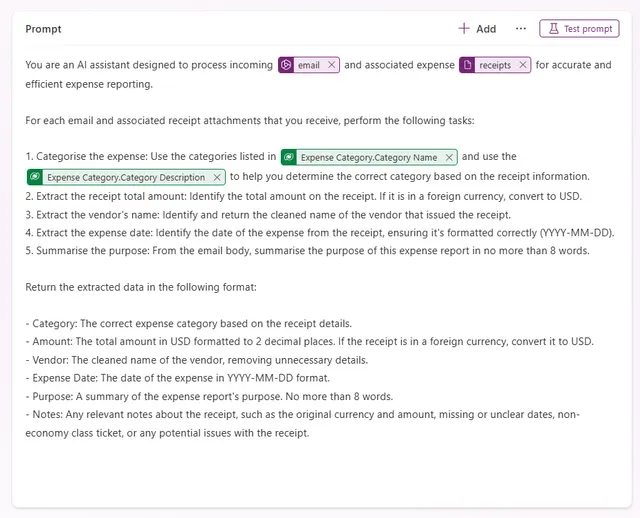
This sample showcases an AI-driven expense report processing solution that combines an AI Builder prompt, Dataverse, and Power Automate.
Dataverse AI Builder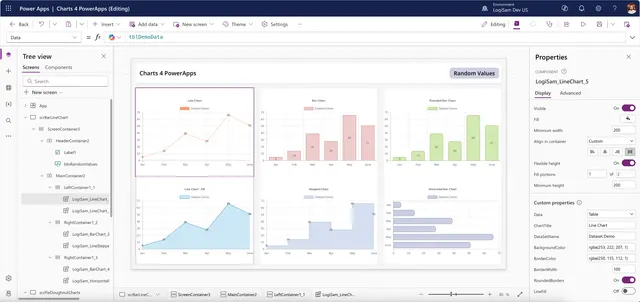
Chart4PowerApps is a versatile demo app offering a collection of ready-to-use chart components, enabling you to create professional, data-driven visuals effortlessly—without complex development.
Power AppsPower Fx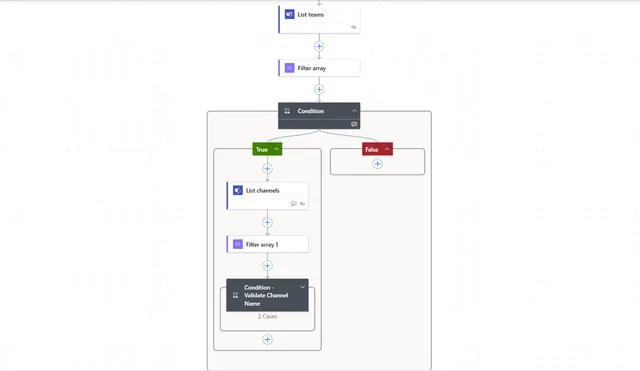
This sample mention teams or channel in the message post.
Power AutomateMicrosoft Teams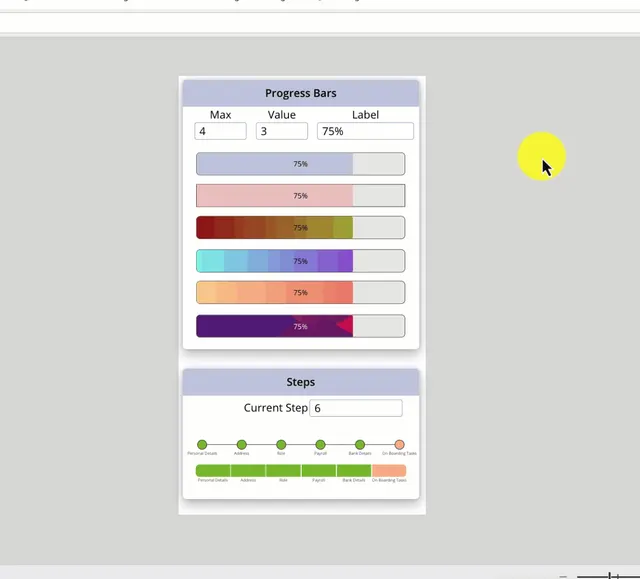
YThis sample contains different components to render progress and step bars in Power Apps Canvas appliations.
Power Apps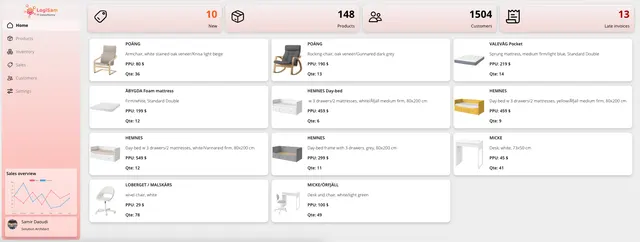
The Warehouse Template is a free Power Apps Canvas App built to help power users jumpstart the creation of their own warehouse or inventory management solution.
Power Apps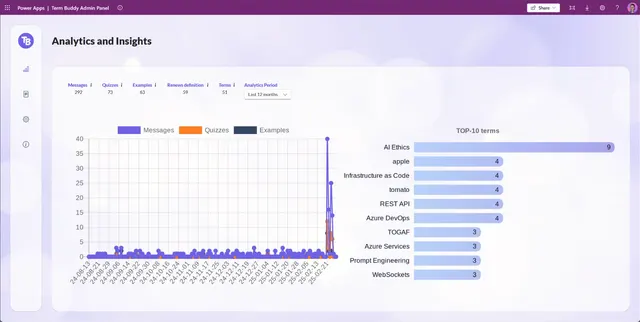
Term Buddy is your AI-powered terminology assistant. It provides clear term definitions, generates quizzes, and offers real-world term usage examples to enhance learning and comprehension.
Power AppsPower AutomateCopilot StudioPower Fx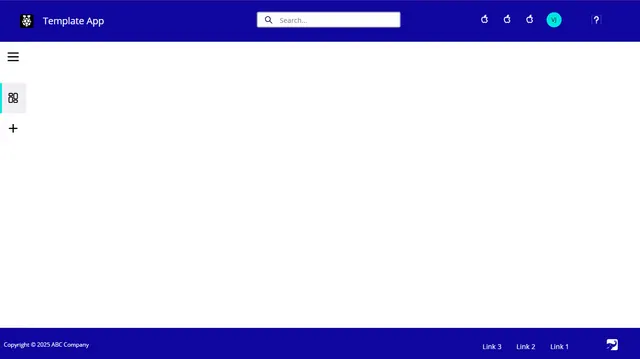
This tablet-based canvas app helps to kickstart the development in Power Apps using reusable header, footer and left navigation components.
Power Apps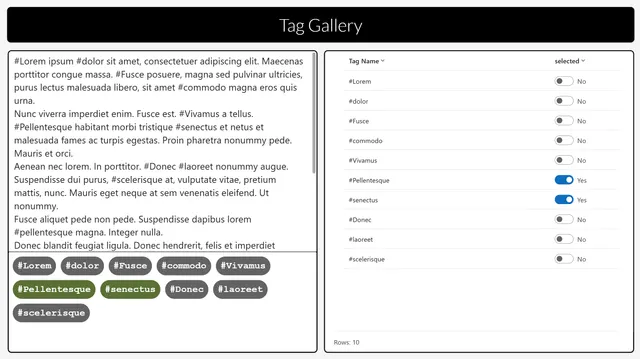
This Power App demonstrates a component displaying a gallery of hashtags detected automatically from text and which dynamically places the hashtags in buttons across rows depending on the width of each and the room available on the row.
Power AppsPower Fx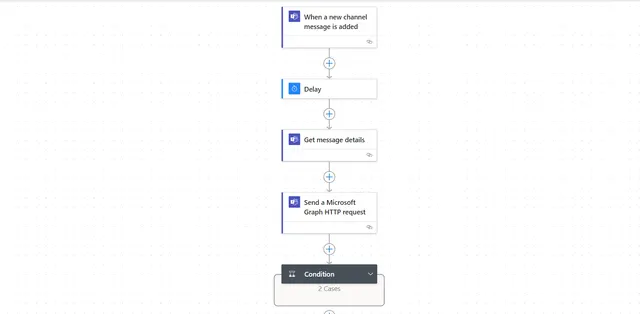
This sample sends reminder notification to teams for unresponsive message post in Microsoft teams channel.
Power AutomateMicrosoft Teams
Extract number by its length from a given text or string.
Power Automate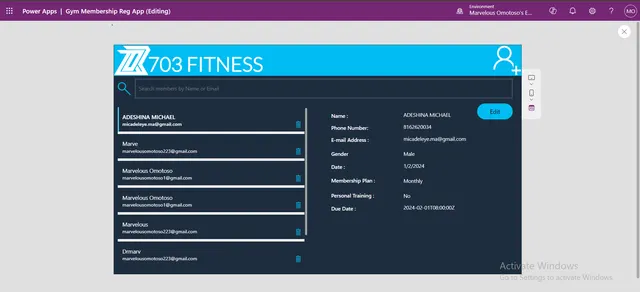
The Gym Management App is designed to enhance efficiency and reduce costs for gym owners.
Power AppsPower AutomatePower Fx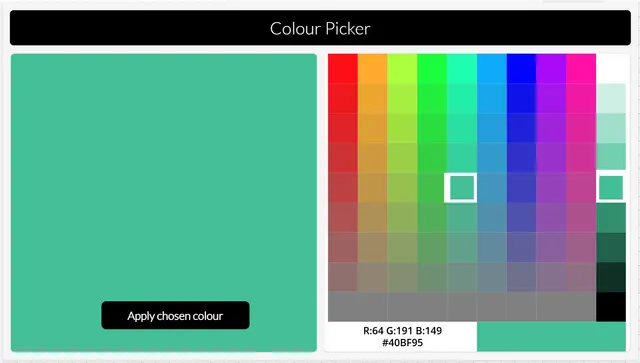
This Power App demonstrates a component which uses enhanced component properties to produce a colour picker in the style of a hue/saturation grid and a lightness picker, which users may be familiar with from applications like MS Paint.
Power AppsPower Fx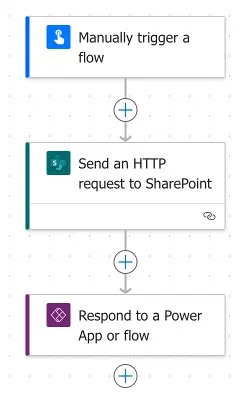
This Power Automate flow updates the “Created By” field of a Microsoft List item, replacing the account with a specified user based on their email address, using an HTTP request to SharePoint.
Power Automate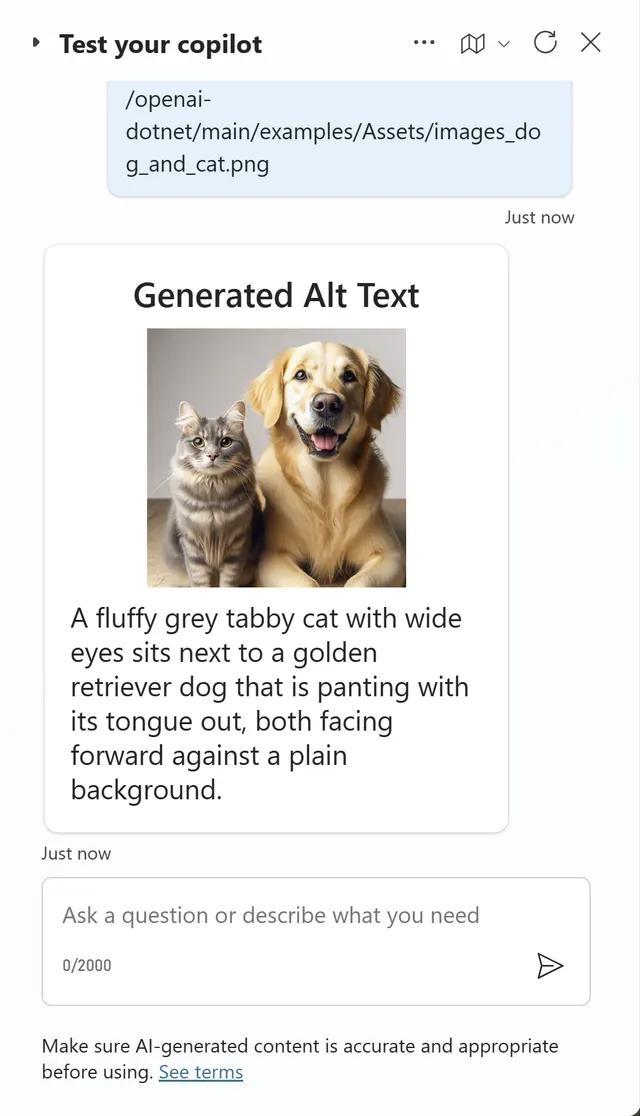
This sample allows the user to enter a link to a .png image into a copilot and then it generates alt text for the image using OpenAI's gpt-4o model.
Power AutomateCopilot Studio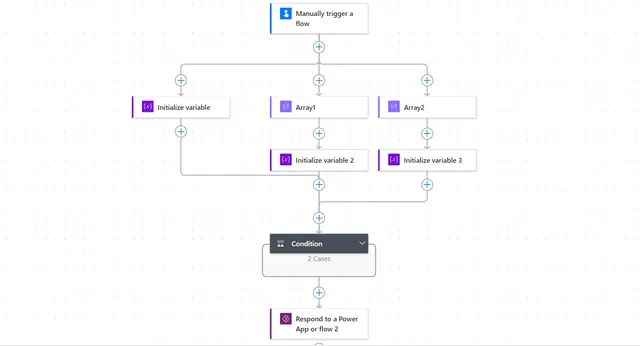
This sample is a reusable cloud flow that can be used for performing Union (All), Intersection (Common) & Difference (Array1-Array2) operation on input JSON arrays.
Power Automate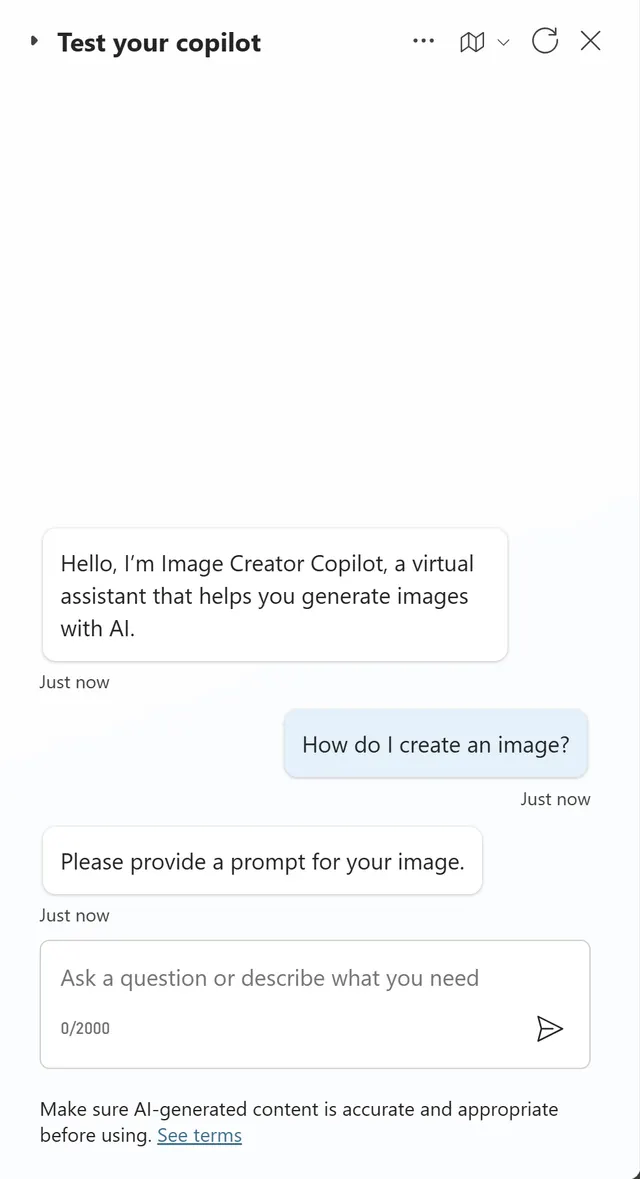
This sample allows the user to enter a prompt into a copilot and then it generates an image based on the prompt using the Azure OpenAI Service Dalle-3 model.
Power AutomateCopilot StudioCustom Connectors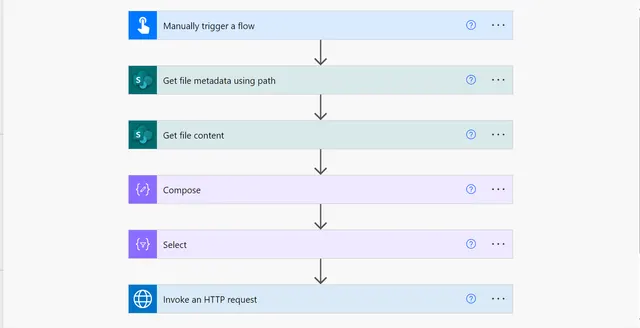
This sample gets an image content from SharePoint document library and embed in it email body to share it with recipient(s).
Power Automate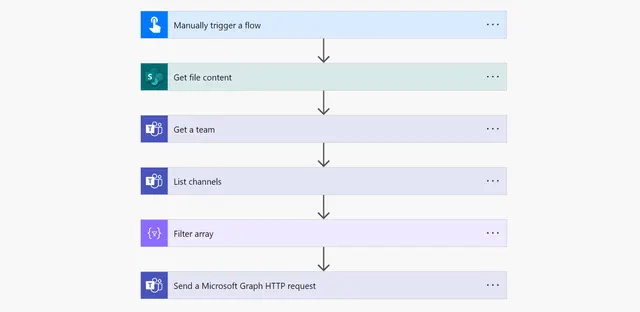
This sample gets the image from SharePoint document library and post it on Microsoft Teams channel using Power Automate.
Power Automate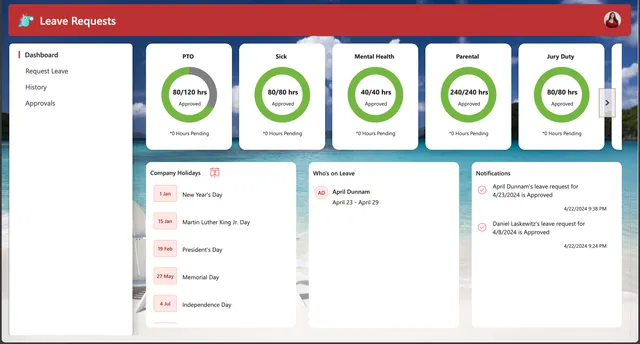
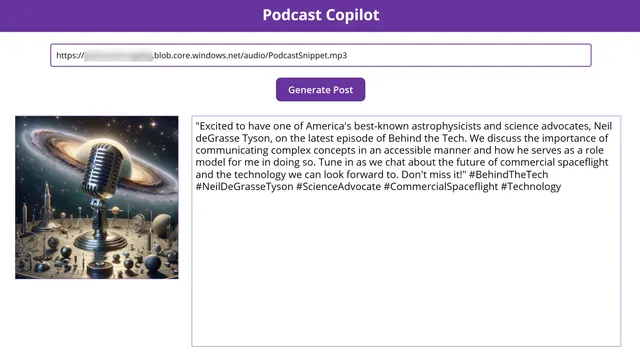
This sample allows the user to enter a link to a podcast episode and then it generates a promotional social media image and blurb for the episode with AI. The user can then download the image and blurb to share on social media.
Power AppsPower AutomateCopilot Studio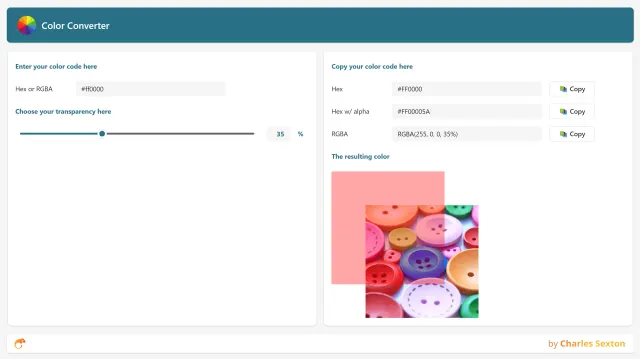
Simply type, or paste in, your colour code, choose your desired opacity, and then copy the converted colour code you need.
Power Apps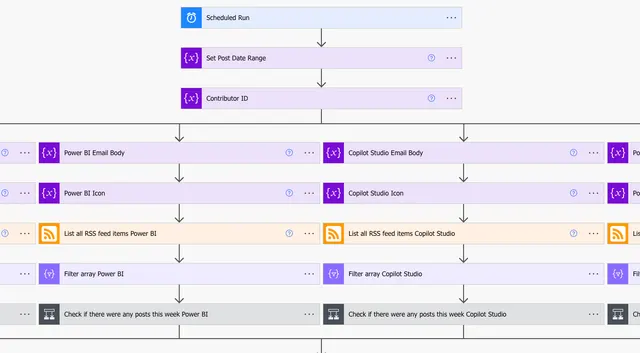
A Power Platform solution that will consolidate all Power Platform blogs weekly and send you a summarized email every Monday
Power Automate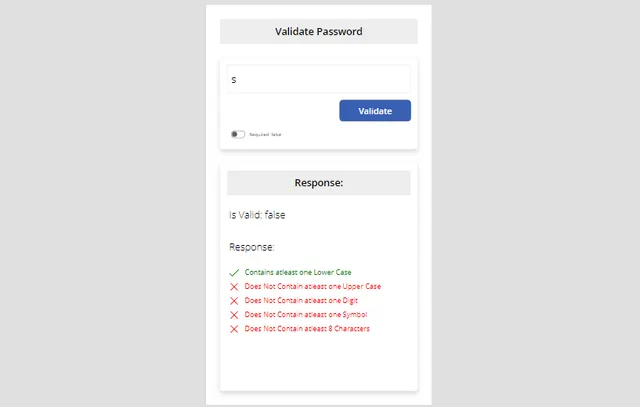
Experience the power of advanced validation techniques with our User Defined Function (UDF) component library.
Power Apps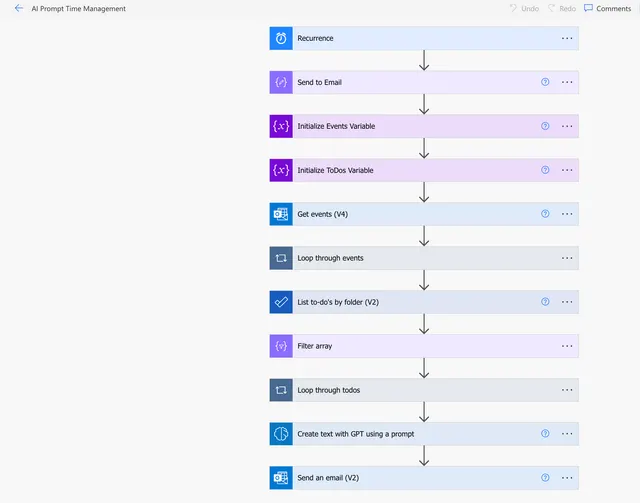
A daily flow that utilizes a custom Prompt in AI Builder to take your Outlook calendar events and Microsoft ToDo (Business) tasks for the day and formulates a plan for how to allot your time for the day.
Power AutomateAI Builder
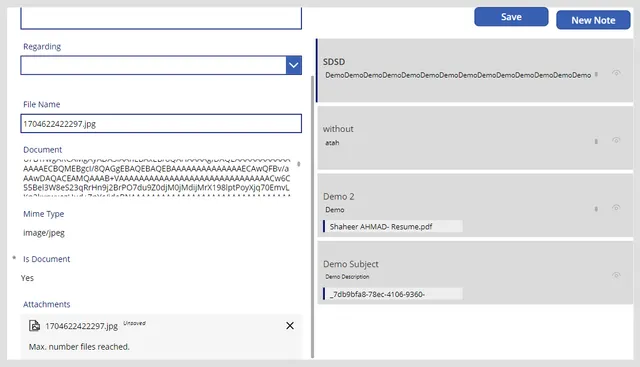
This Canvas App is designed to handle notes related to an OOB (out-of-the-box) account table.
Power Apps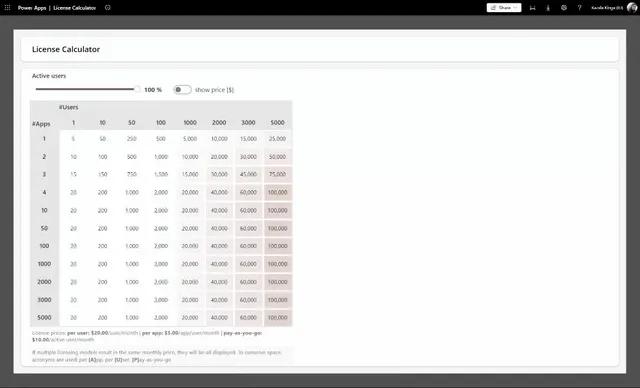
Full Power Apps capabilities are licensed via Power Apps subscriptions on a per app/user or per user basis and via pay-as-you-go.
Power Apps
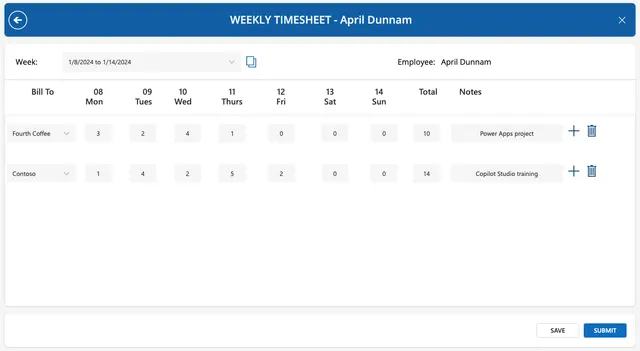
This sample shows how to implement a weekly timesheet application using Power Apps (canvas app).
Power Apps
A control that performs a countdown and triggers a specific action after a certain amount of time passes.
Power Apps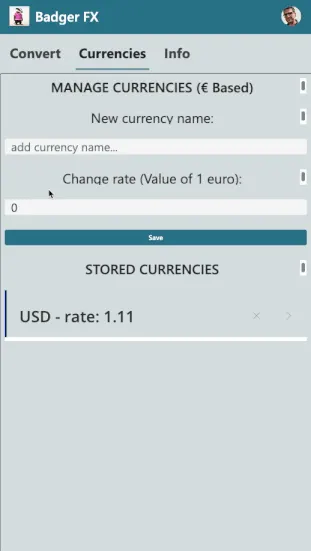
This sample app allows you to convert the value of any currency (to be added within the app) and convert an amount, from the selected currency to euros.
Power Apps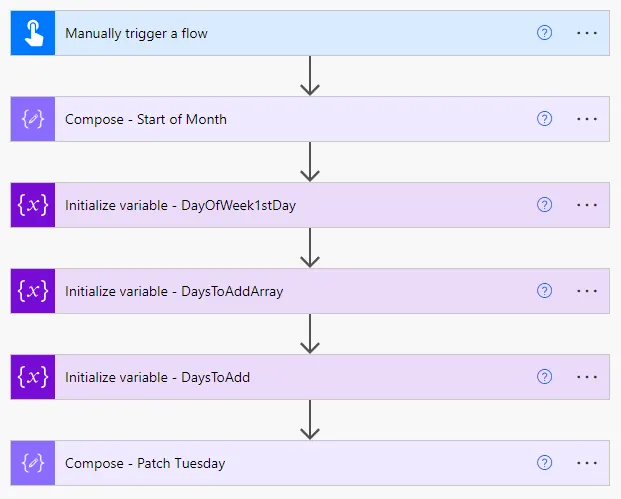
This sample shows a few ways to calculate Patch Tuesday in Power Automate. With these flows (all included in one sample), you can kick-off other processes that need to occur on Patch Tuesday.
Power AppsPower Automate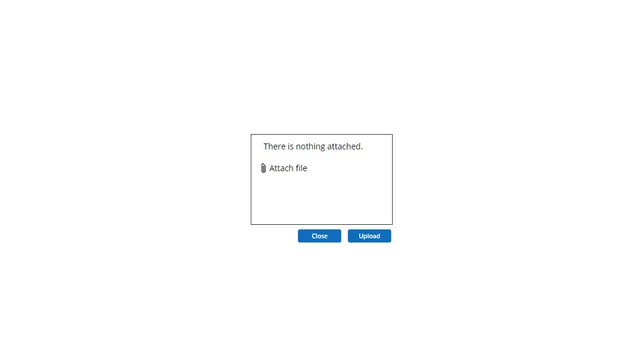
Discover a seamless experience uploading Files from Canvas Apps to SharePoint.
Power AppsPower Automate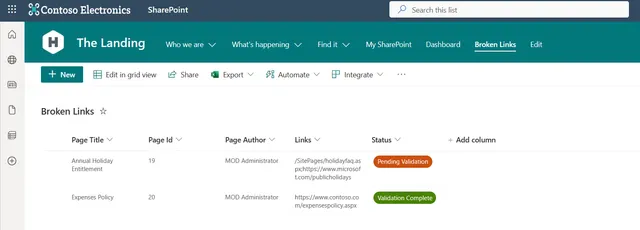
This is a proof of concept Power Platform solution for checking broken links in SharePoint pages.
Power Automate
Help people settle into a new city with an AI-assisted relocation app, a chatbot, and landmark recognition.
Power AppsCopilot StudioDataverseAI Builder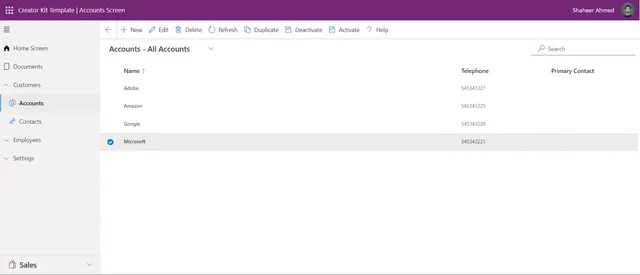
Discover a seamless experience with our responsive canvas app – Enjoy a familiar interface with modern convenience, making communication a breeze.
Power AppsPower Automate
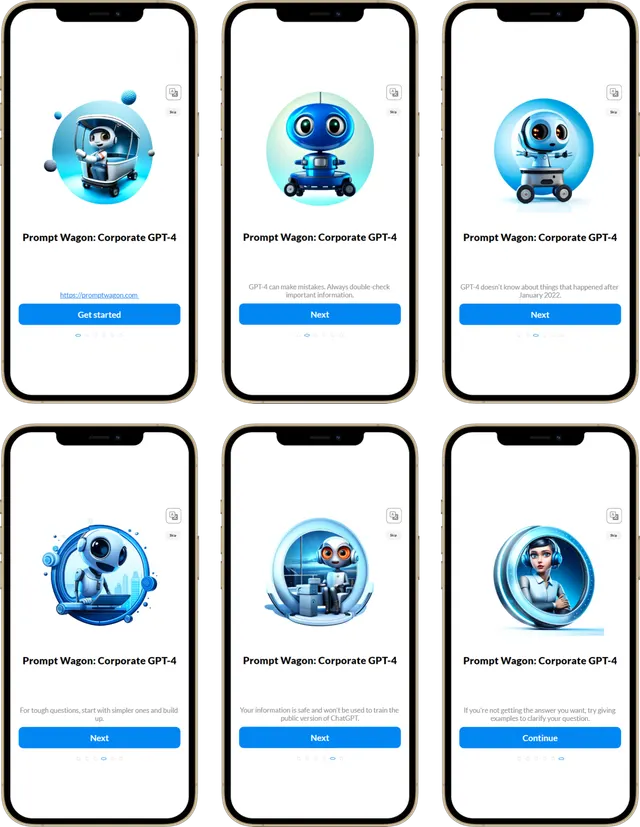
This app is designed for organizations seeking to seamlessly integrate AI technologies, with features catering to beginners and administrators.
Power Apps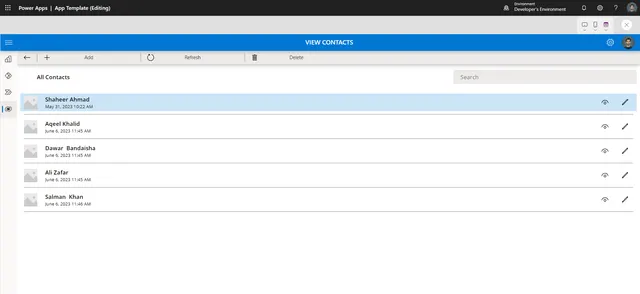
Discover a seamless messaging experience with our responsive canvas app. Enjoy a familiar interface with modern convenience, making communication a breeze.
Power Apps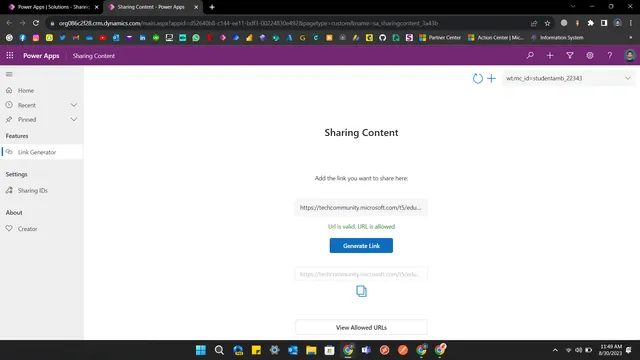
Are you a Microsoft Learn Student Ambassador or a Microsoft's Most Valuable Professional? Our app lets you generate links with your unique ID in seconds. Share resources seamlessly and make an impact. Get started – it's free!
Power Apps
This sample uses a Power Virtual Agents chatbot to diagnose and suggest a fitting doctor based on the user's inputted symptoms.
Copilot Studio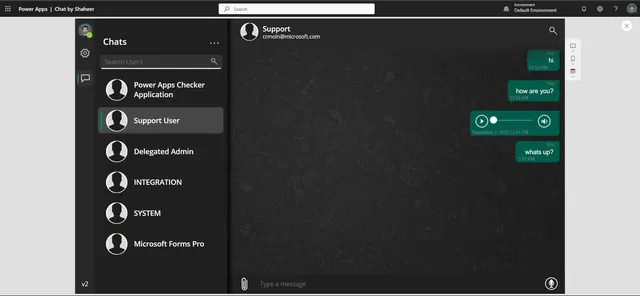
Discover a seamless messaging experience with our responsive canvas app – a WhatsApp-inspired platform that allows users to effortlessly exchange messages and voice notes with system users.
Power Apps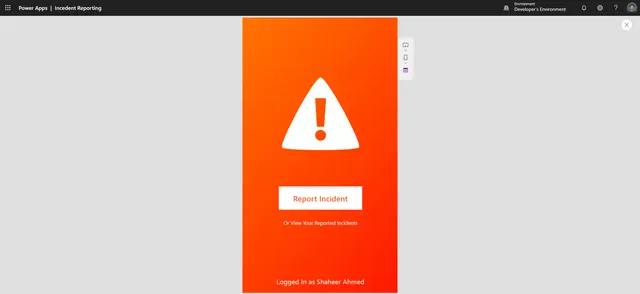
The Incident Reporting Canvas Application is a powerful tool designed to streamline incident reporting and enhance data collection.
Power Apps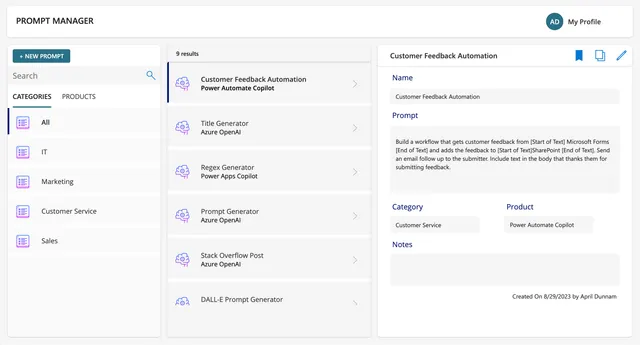
Power App that shows how to implement an internal prompt management solution
Power Apps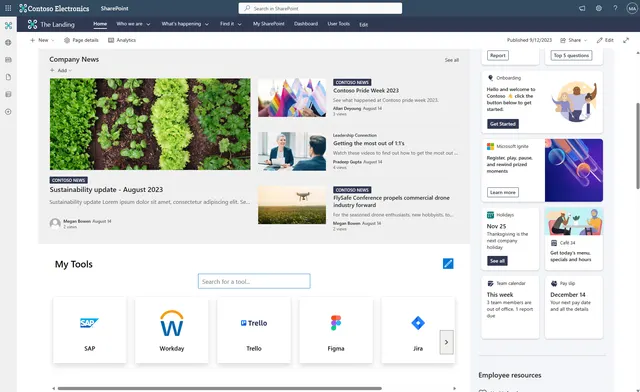
This is a proof of concept Power Apps solution that was designed to be embedded within a SharePoint site/page as a Web Part.
Power Apps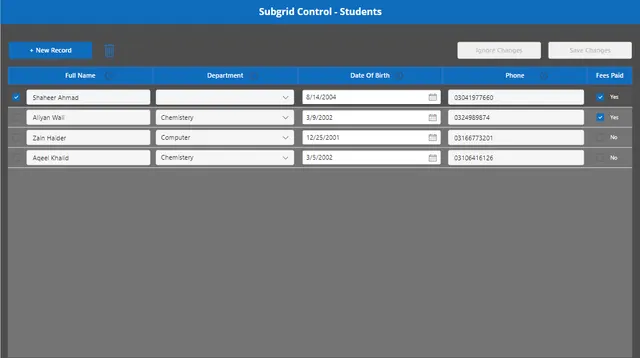
The Editable Subgrid Power App sample is a contribution by Shaheer Ahmad (GitHub: shaheerahmadch) that demonstrates how to create a Power App with an editable subgrid, allowing users to efficiently manage and update data within a grid interface.
Power Apps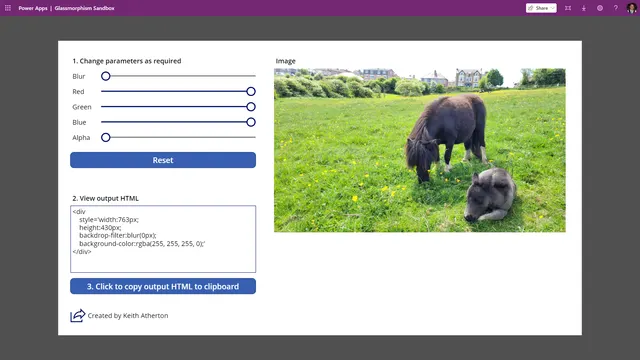
This sample illustrates how to use glassmorphism, combining a blur effect with transparency, using a HTML text control.
Power Apps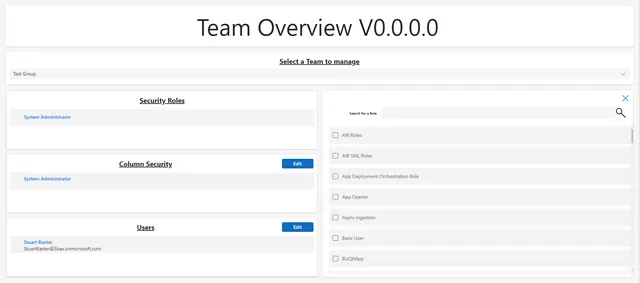
This solution allows admins to manage assignment of Security Roles, Column Security Profiles, and Users to Azure AD synced teams via a Canvas App.
Power AppsPower Automate
This sample serves to simplify and standardize the site creation process within an organization, offering a tailored experience to users.
Power AppsPower Automate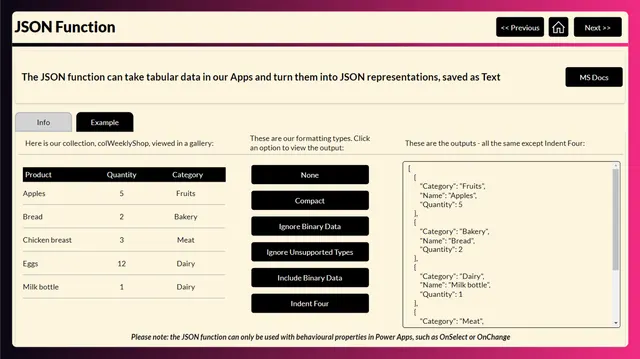
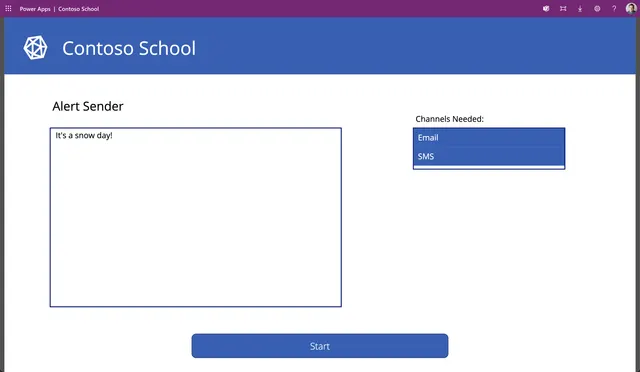
Send school communications with Power Apps, Azure Communication Services, and AI Builder.
Power AppsPower AutomateDataverseAI Builder
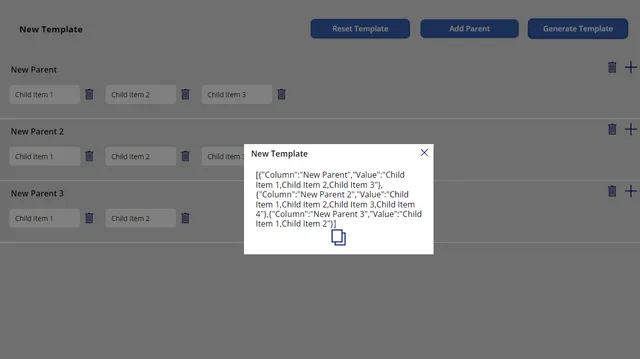
Canvas app that enables users to effortlessly create nested JSON structures by providing data through a user-friendly interface.
Power Apps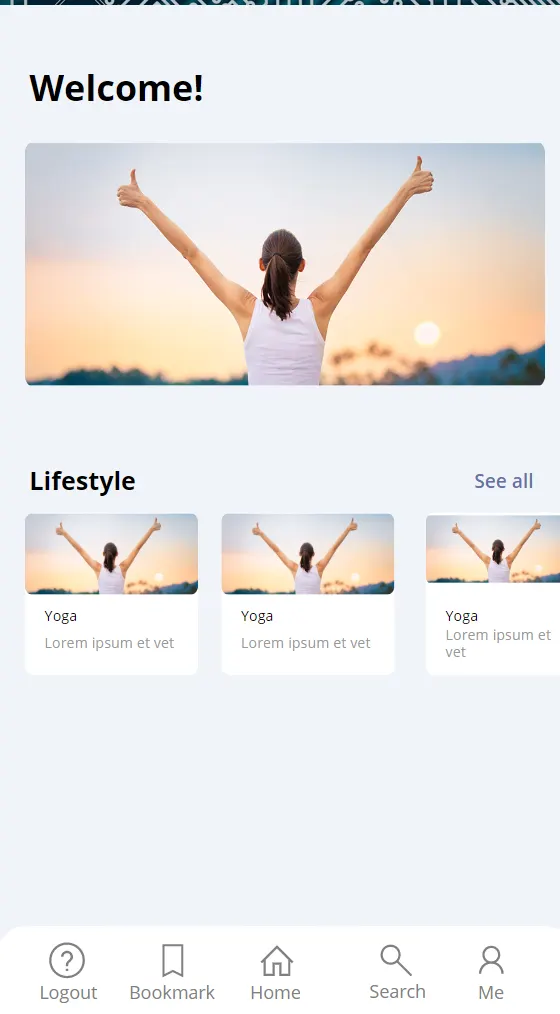
This sample allows a user to enter their credentials, a username and password, in order to authenticate themselves and gain access to a homepage.
Power Apps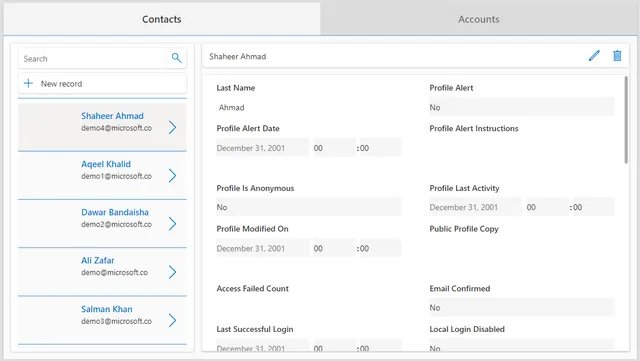
This versatile template demonstrates how you can seamlessly manage multiple tables within a single app, all while embracing the sleek and contemporary modern design.
Power Apps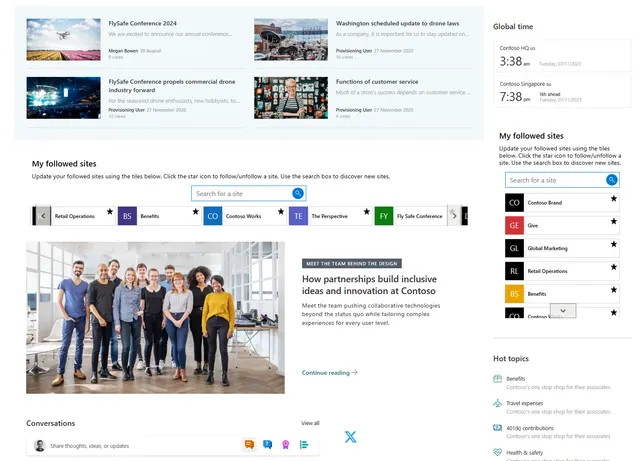
Power Apps solution designed to be embedded within a SharePoint site/page as a Web Part. It is designed as an alternative to the out of the box 'Sites' Web Part.
Power Apps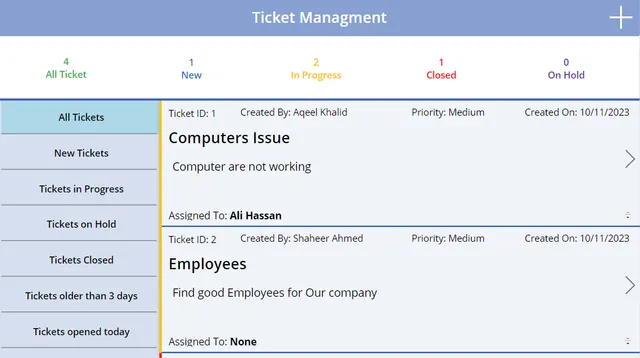
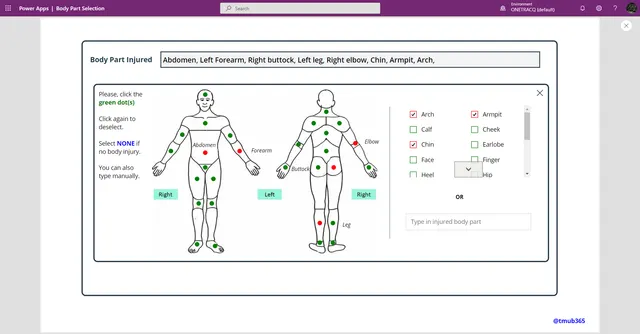
An app with a Body Part Selection gallery that can be applied to a canvas app to select various parts of the body.
Power Apps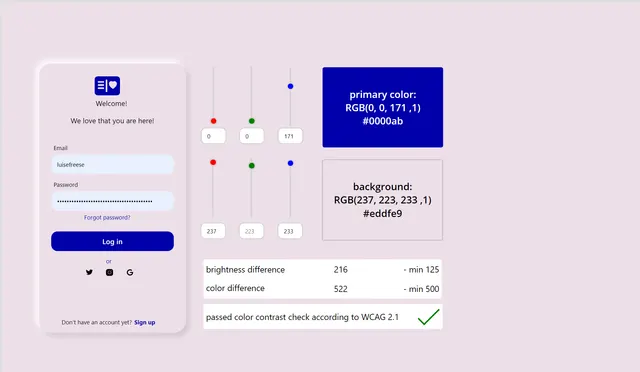
an app that allows maker to choose colors that fulfill WCAG 2.1 standard for color contrast ratio to improve accessibility
Power Apps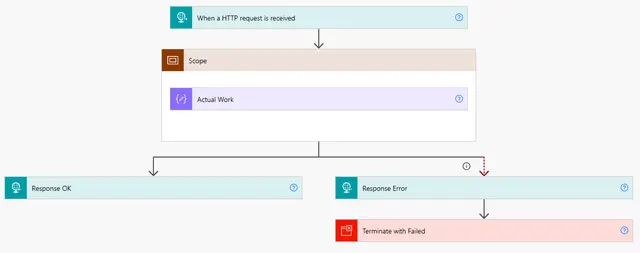
A pattern for making sure that the Flow always provides a responds to a request.
Power AutomateTry a different product or a broader search. Your next idea could also become a community sample.

Your ideas can help someone build their next big thing
Every sample starts with someone sharing what they know. Join our contributors and help the next maker get moving.
The community contributor badge celebrates people who share their knowledge.